
Overview
هذا المحتوى غير متوفر بلغتك بعد.
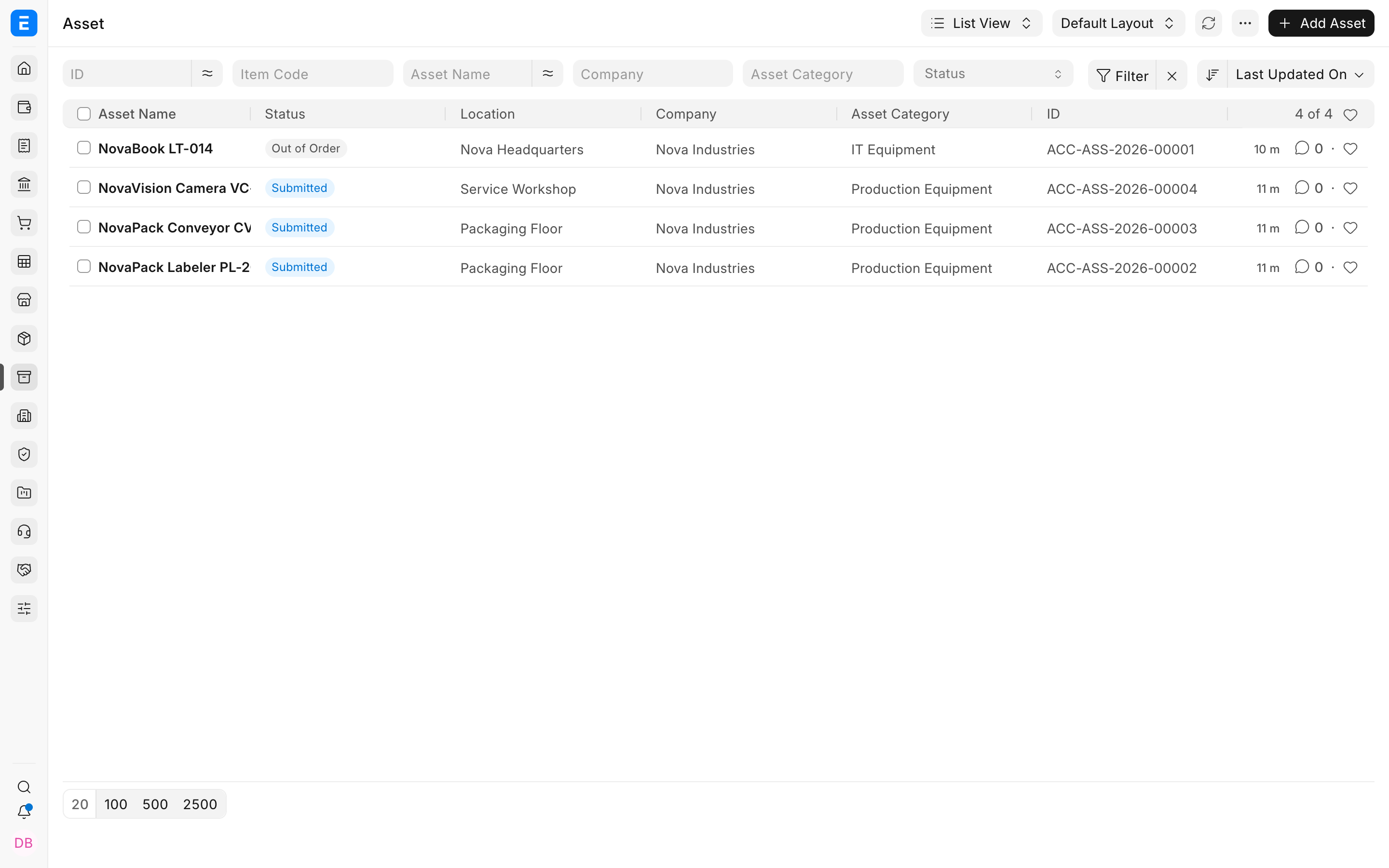
Imagine you are helping the accounts team at Nova Industries, an electronics manufacturing and distribution company. The company buys phones to sell, laptops for employees, and machines for its packaging floor. The phones are inventory because customers will buy them. The laptops and machines are assets because Nova Industries will use them for several years.
The Bravo Hub ERP Assets module keeps the complete story of those assets in one place. It records what the company owns, where each asset is, who uses it, how its value reduces over time, what it costs to maintain, and whether it is eventually sold or scrapped.
Understand the asset lifecycle
Section titled “Understand the asset lifecycle”- Define an Asset Category with the correct asset, accumulated depreciation, expense, and capital work in progress accounts.
- Organize physical places in the Asset Location tree.
- Mark an Item as a fixed asset, then buy it or create an existing Asset record.
- Place the asset in service and review its depreciation schedule.
- Record assignment, movement, maintenance, repair, and value adjustments during its life.
- Finish the lifecycle by selling or scrapping the asset.
What the module records
Section titled “What the module records”| Field | What it means |
|---|---|
| Identity | Item, asset name, category, company, owner, and status. |
| Physical control | Current location, custodian, department, transfers, issues, and receipts. |
| Accounting | Purchase value, capitalization, Finance Books, depreciation schedules, accumulated depreciation, and disposal entries. |
| Operations | Preventive maintenance plans, maintenance logs, failures, repairs, downtime, and repair cost. |
| Lifecycle result | Whether the asset remains in use, is out of order, has been sold, or has been scrapped. |
Stock item versus fixed asset
Section titled “Stock item versus fixed asset”Use a stock item when the company intends to sell or consume the item. Use a fixed-asset Item when the company will use the item to run the business for more than one accounting period. The same laptop model can therefore be inventory in an electronics store and a fixed asset when issued to the store manager.
Accounting impact at a glance
Section titled “Accounting impact at a glance”An Asset record by itself is the operational register. Accounting entries arise from submitted acquisition, depreciation, value adjustment, capitalization, sale, or scrap transactions. Locations and maintenance logs change the operational history but do not normally post to the General Ledger.
Frequently asked questions
Section titled “Frequently asked questions”Can Bravo Hub ERP manage non-depreciable assets?
Section titled “Can Bravo Hub ERP manage non-depreciable assets?”In Bravo Hub ERP, yes. Enable Non Depreciable Category when an asset category should not create depreciation schedules.
Can one asset have different depreciation schedules?
Section titled “Can one asset have different depreciation schedules?”In Bravo Hub ERP, yes. Finance Books can maintain different methods or useful lives for statutory and management reporting.
Does moving an asset create a ledger entry?
Section titled “Does moving an asset create a ledger entry?”In Bravo Hub ERP, no. Asset Movement changes custody or location. It does not change the asset’s accounting value.
Where can I see the complete asset register?
Section titled “Where can I see the complete asset register?”Use the Fixed Asset Register and related Asset reports.