
Bank Account
هذا المحتوى غير متوفر بلغتك بعد.
A Bank Account represents a real bank or card account held by a Company, Customer, or Supplier. For a Company account, it connects the Bank master to a Bank-type General Ledger account used by payments, statement imports, and reconciliation.
Before you begin
Section titled “Before you begin”Create the Bank and, for a Company account, a ledger under Bank Accounts in the Chart of Accounts. Set the ledger’s Account Type to Bank and use the correct Company and currency.
Do not confuse these records:
- the Bank is the financial institution;
- the Bank Account stores the real account identity and ownership;
- the Account is the General Ledger where the Company balance is posted.
Create a Bank Account
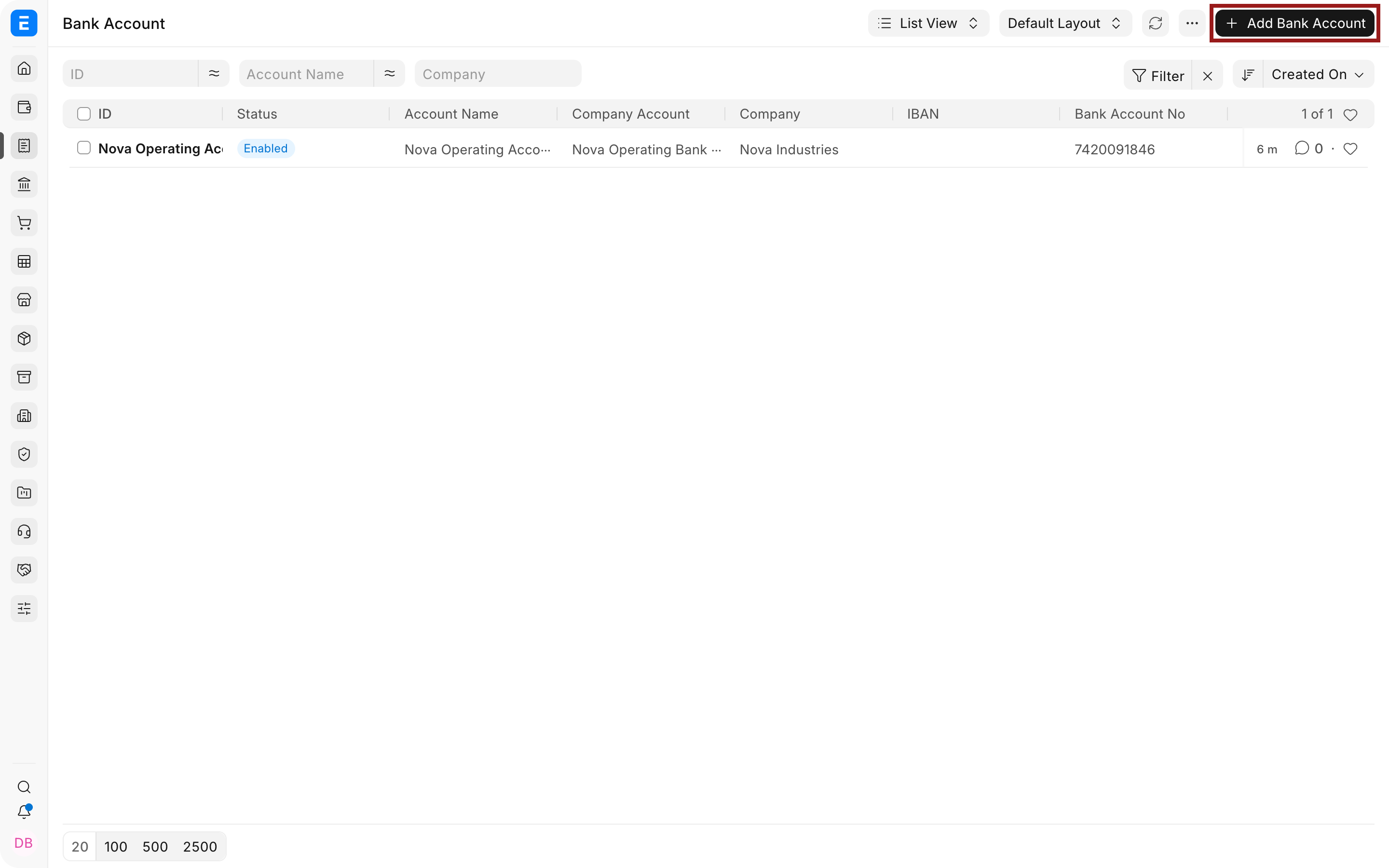
Section titled “Create a Bank Account”- Go to Accounting > Banking > Bank Account.
- Select Add Bank Account.
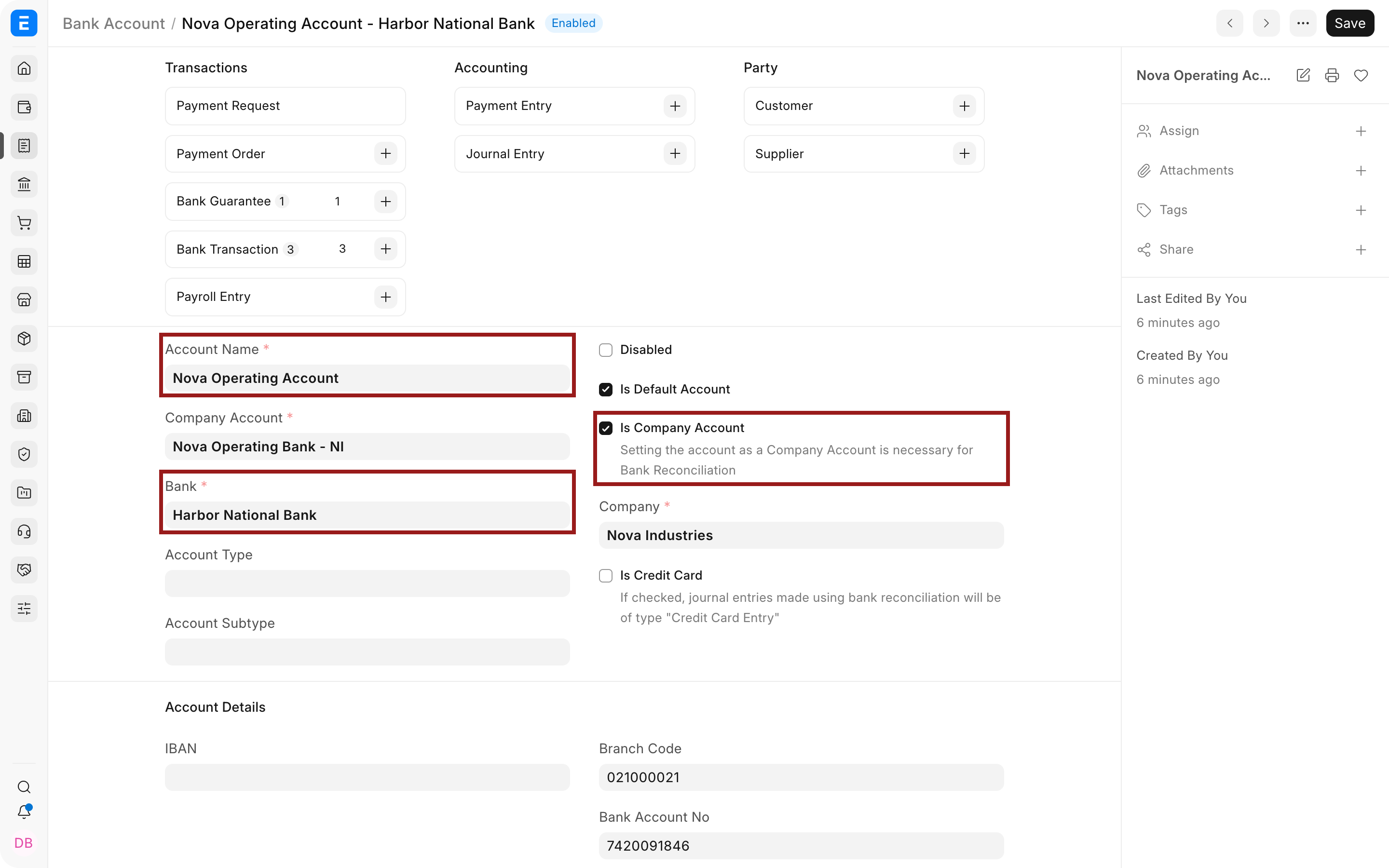
- Enter an Account Name that users can identify, such as
Operating AccountorPayroll Account. - Select the Bank.
- Select Is Company Account when the account belongs to one of your Companies.
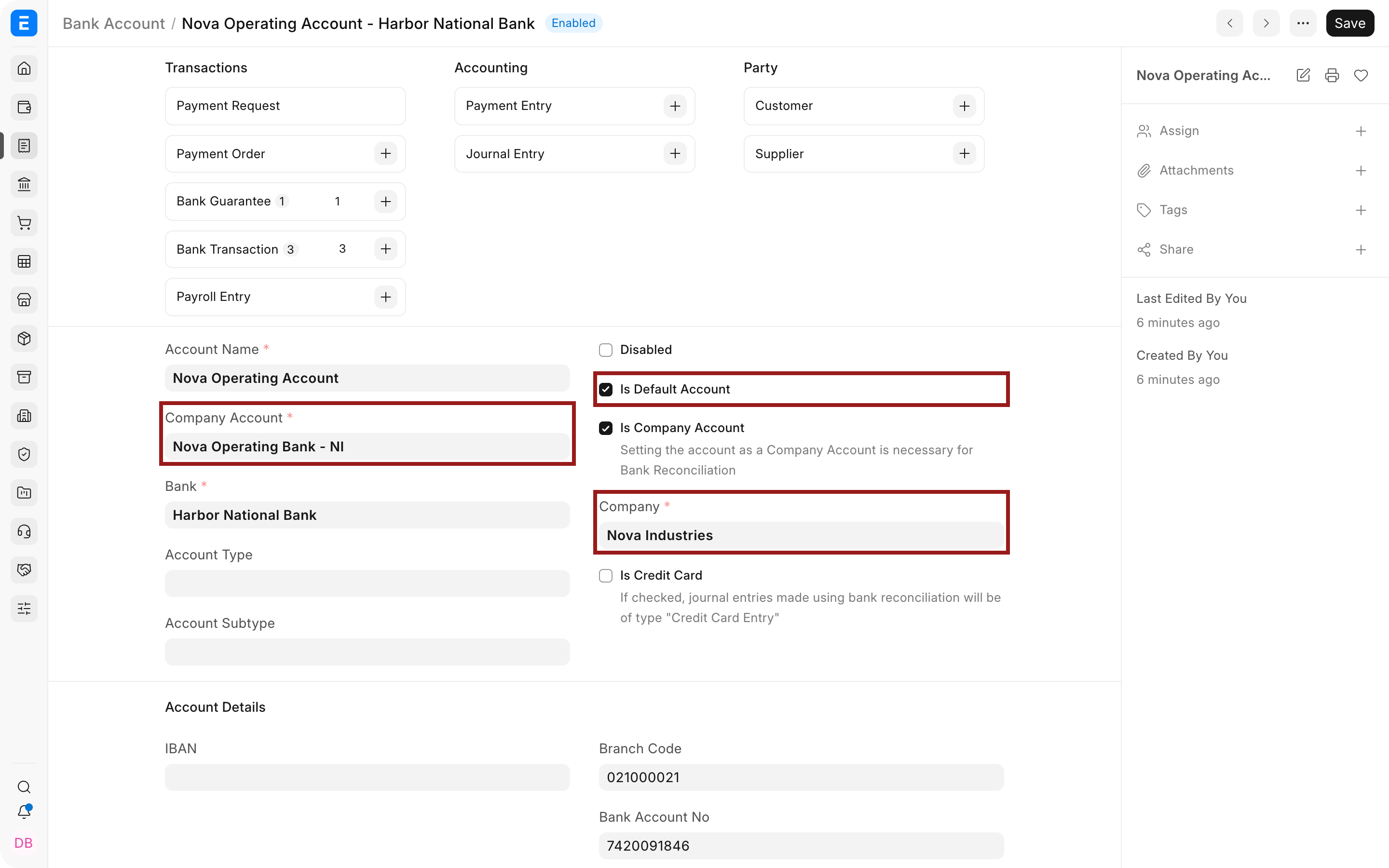
- For a Company account, select the Company and Company Account ledger.
- Select Is Default Account only when this should be the default Bank Account for the Company.
- Enter the account number, routing or branch code, IBAN when applicable, and other non-secret identifiers.
- Save the Bank Account.
Create a Customer or Supplier Bank Account
Section titled “Create a Customer or Supplier Bank Account”Leave Is Company Account clear, then select the Party Type and Party. Use this for payment instructions, refunds, or other workflows that need the counterparty’s banking details.
A party Bank Account does not become a Company ledger and should not be selected as the account that posts Company cash movement.
Important fields and what they mean
Section titled “Important fields and what they mean”| Field | What it controls |
|---|---|
| Account Name | Human-readable identifier for the real account. |
| Bank | Financial institution that holds the account. |
| Is Company Account | Shows Company and ledger fields and marks the account as belonging to your organization. |
| Company | Company that owns the account. It must match the linked General Ledger account. |
| Company Account | Bank-type General Ledger account used for accounting entries. |
| Is Default Account | Makes the Bank Account the default where that workflow uses a Company default. Maintain only one intended default. |
| Is Credit Card | Identifies a credit-card account where supported by the workflow. |
| Party Type and Party | Owner of a Customer, Supplier, Employee, or other party Bank Account. |
| IBAN | International account identifier used in participating countries. Leave it empty when the country does not use IBAN. |
| Branch Code | Routing, sort, transit, or other branch identifier used in your banking system. |
| Bank Account No | Account number supplied by the institution. Avoid exposing it in public screenshots or broad exports. |
| Integration ID | Identifier used by a supported bank integration. |
| Disabled | Prevents the account from being selected for new activity while preserving history. |
Use the Bank Account
Section titled “Use the Bank Account”The Company Bank Account is used by:
- Payment Entry and payment requests;
- statement synchronization or import;
- Bank Transaction records;
- Bank Reconciliation;
- Bank Guarantee;
- other banking integrations and reports.
Configure Mode of Payment Company defaults so cash, check, card, and wire payments use the intended ledger.
Data protection
Section titled “Data protection”Limit access to full bank account numbers and integration identifiers. Documentation and support screenshots should use fictional or masked numbers. Do not store online-banking passwords in the account number, Statement PDF Password, comments, or attachments.
Use Statement PDF Password only for the supported encrypted-statement workflow and restrict who can read or modify it.
Troubleshooting
Section titled “Troubleshooting”The Company Account cannot be selected
Section titled “The Company Account cannot be selected”Confirm that it belongs to the selected Company, is not a group, is enabled, uses the correct currency, and has Account Type: Bank.
Payments use a different ledger
Section titled “Payments use a different ledger”Check the Mode of Payment Company default, the selected Bank Account, the Company’s default Bank Account, and any account filled directly on the transaction.
Bank Transactions are assigned to the wrong Company
Section titled “Bank Transactions are assigned to the wrong Company”Review the Bank Account ownership and linked ledger. Correct the master before importing more statement lines.
The IBAN is rejected
Section titled “The IBAN is rejected”Enter an officially valid IBAN without inventing a country prefix. Leave the field empty for accounts in countries that do not use IBAN.
The account should no longer be used
Section titled “The account should no longer be used”Disable it instead of deleting it. Historical payments, Bank Transactions, and reconciliation records may still reference it.
Frequently asked questions
Section titled “Frequently asked questions”Can one Bank Account link to several ledgers?
Section titled “Can one Bank Account link to several ledgers?”It cannot. Create a separate Bank Account for each real account and Company ledger relationship.
Can two Companies use accounts at the same Bank?
Section titled “Can two Companies use accounts at the same Bank?”They can. Use one Bank master and separate Company Bank Accounts and ledgers for each Company.
Is a credit card a bank or liability account?
Section titled “Is a credit card a bank or liability account?”The accounting ledger classification depends on your Chart of Accounts and local accounting policy. Mark the Bank Account as a credit card where appropriate and confirm the linked ledger treatment with finance.