
Asset Maintenance
Imagine a Nova Industries packaging machine needs inspection every month and a belt replacement every six months. If the team depends on memory, a missed service could stop production and cost much more than the maintenance itself.
Asset Maintenance turns those recurring jobs into a planned schedule. It records what must be done, how often it should happen, and who is responsible, helping the team service equipment before it fails.
Before you begin
Section titled “Before you begin”Enable Maintenance Required on the Asset and create an Asset Maintenance Team.
Create a maintenance plan
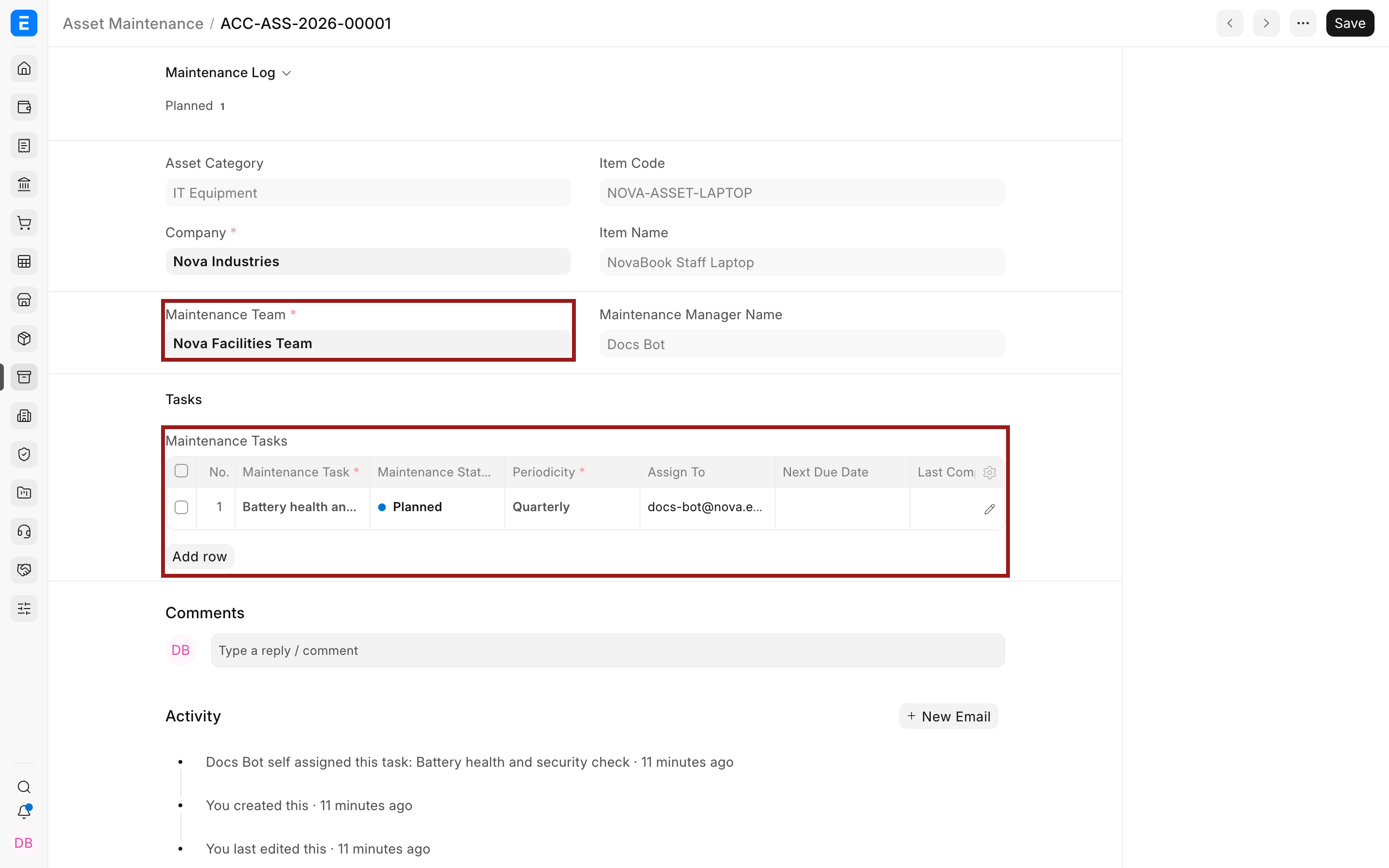
Section titled “Create a maintenance plan”- Select the Asset and Maintenance Team.
- Add a task with its type, start date, periodicity, assignee, and description.
- Mark whether a certificate is required.
- Save the plan. Bravo Hub ERP creates planned Asset Maintenance Logs for the schedule.
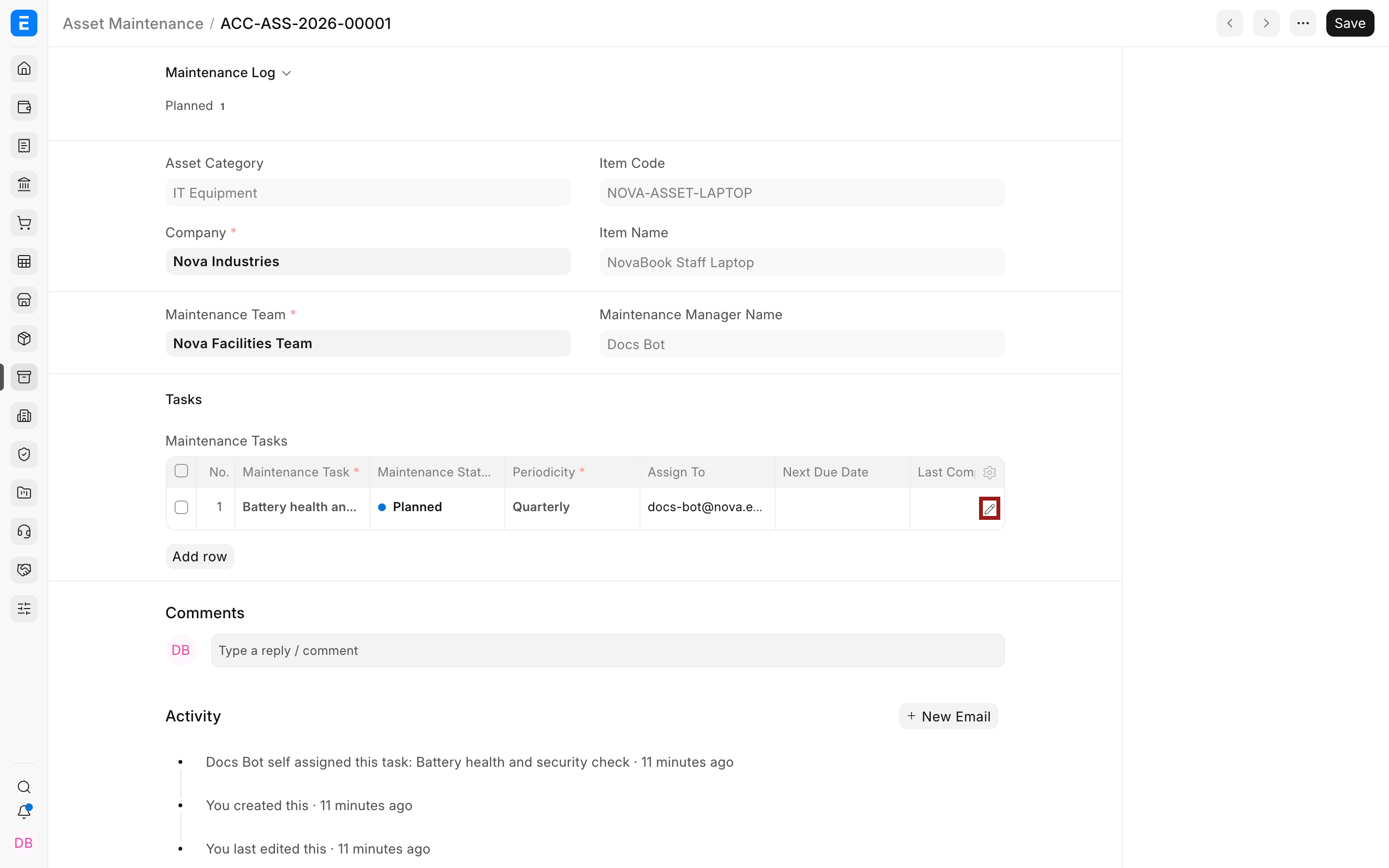
Use the pencil icon to open the complete child-row editor when the grid hides task fields.
Follow the work
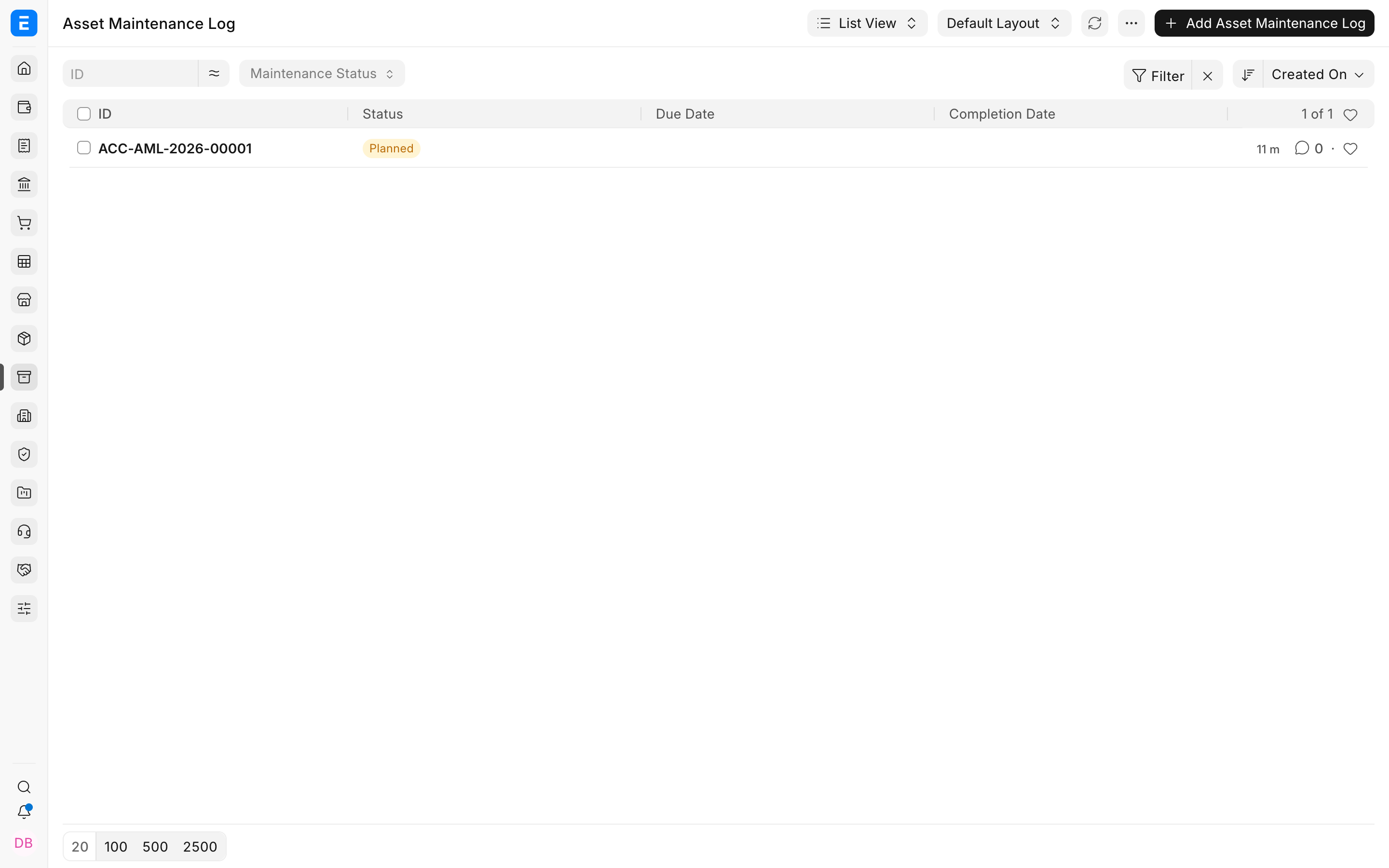
Section titled “Follow the work”Open the generated log, record actions performed, add a certificate when required, and mark the work completed.
Troubleshooting
Section titled “Troubleshooting”No maintenance logs were created
Section titled “No maintenance logs were created”Check the start date, end date, periodicity, and assignee, then save the maintenance plan again.
The task is overdue
Section titled “The task is overdue”Complete or cancel the correct log. Do not only change the plan because the historical occurrence still needs a result.
Frequently asked questions
Section titled “Frequently asked questions”Is preventive maintenance the same as repair?
Section titled “Is preventive maintenance the same as repair?”In Bravo Hub ERP, no. Maintenance is planned work. Asset Repair records a failure, downtime, repair cost, and possible capitalization.
Can one Asset have several tasks?
Section titled “Can one Asset have several tasks?”In Bravo Hub ERP, yes. Add separate rows for checks, calibration, cleaning, or certification.
Does maintenance affect asset value?
Section titled “Does maintenance affect asset value?”Routine maintenance normally does not. A qualifying repair cost can be capitalized through the repair workflow.