Customer Portal
هذا المحتوى غير متوفر بلغتك بعد.
Customer Portal is designed to give easy accessibility to customers of a company.
This portal allows customers to login and find out information relevant to them. The customers can trace the communication history of their mails. They can also check order status by logging into the website.
Signup
Section titled “Signup”Your Customer and Suppliers can signup to your Bravo Hub ERP account by following Signup option on the Login Page.
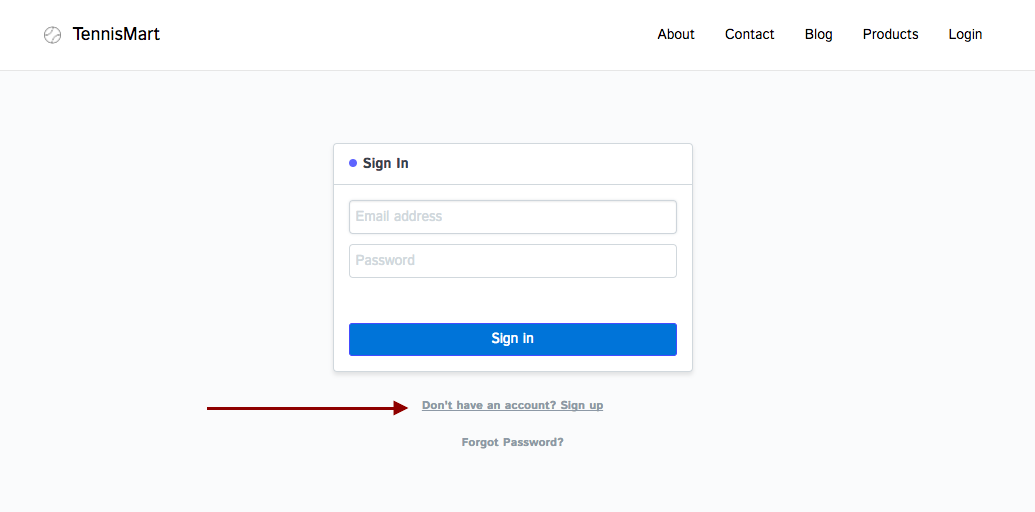
Step 1: Signup
Section titled “Step 1: Signup”On the Login Page, you will find option to Signup.
Step 2: Enter Customer Name and ID
Section titled “Step 2: Enter Customer Name and ID”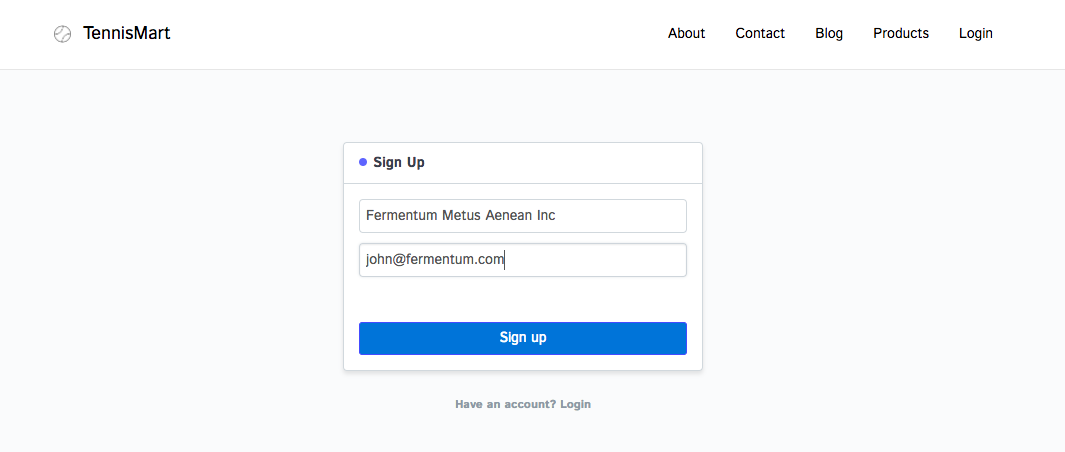
After the sign up process, an email will be sent to the customers Email Address with the password details.
Portal Login
Section titled “Portal Login”To login into the customer account, the customer has to use his Email Address and the password sent by Bravo Hub ERP; generated through the sign-up process.
Customer Orders Invoices And Shipping Status
Section titled “Customer Orders Invoices And Shipping Status”Bravo Hub ERP Web Portal gives your customers quick access to their Orders, Invoices and Shipments Customers can check the status of their orders, invoices, and shipping status by logging on to the web.
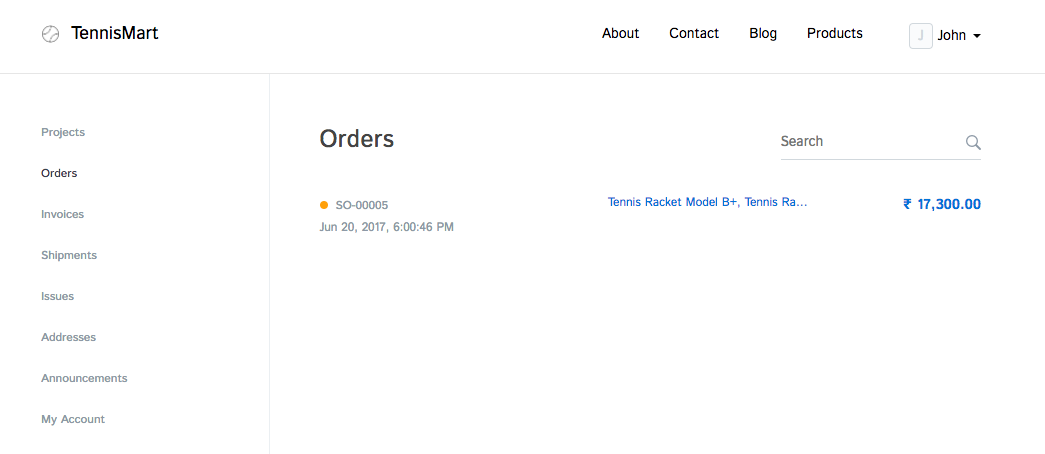
Once an order is raised, either using the Shopping Cart or from within Bravo Hub ERP, your customer can view the order and keep an eye on the billing and shipment status. When the invoice and payment against these orders are submitted, the customer can see the updated status on the portal, at a glance.
Outstanding Sales Invoice
Section titled “Outstanding Sales Invoice”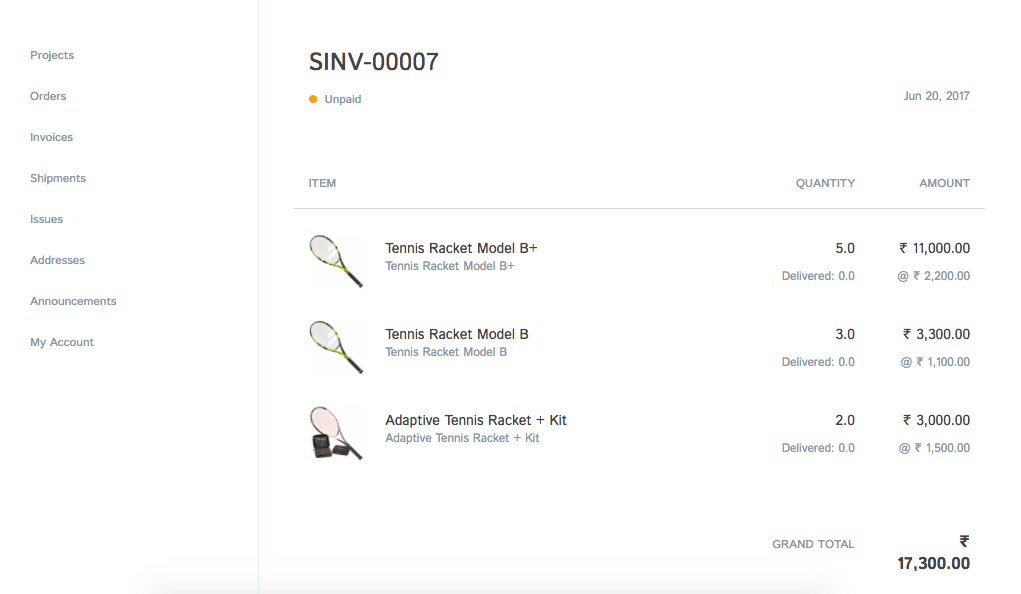
Paid Sales Invoice
Section titled “Paid Sales Invoice”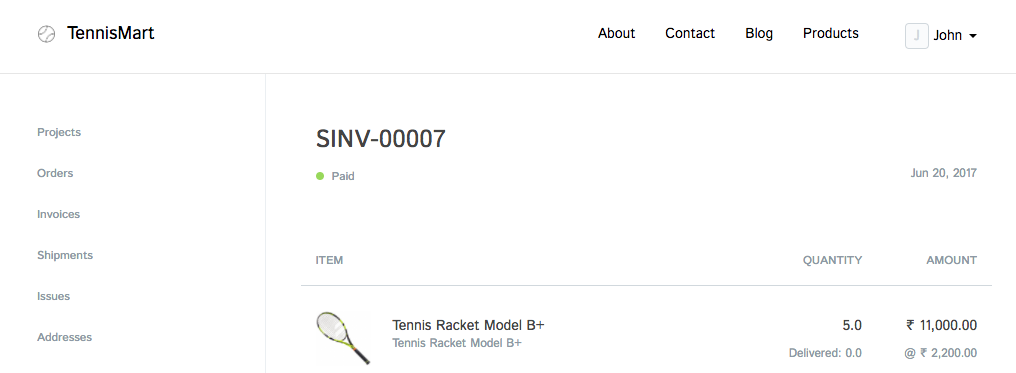
Issues
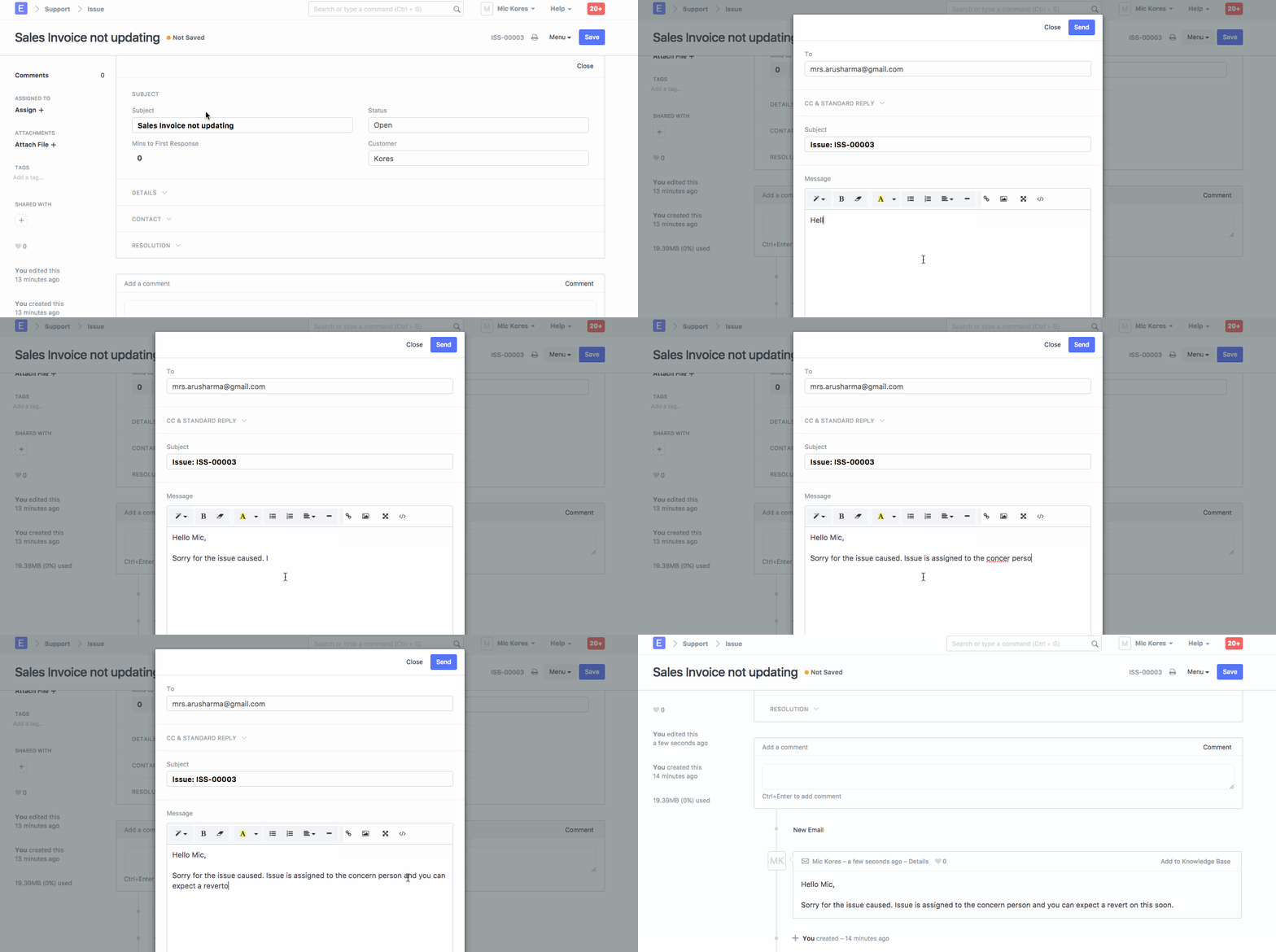
Section titled “Issues”The customer portal makes it very easy for a customer to raise concerns. A simple and intuitive interface facilitates your customer to report their concerns as Issues. They can view the complete thread of their conversation.
Empty Issue List
Section titled “Empty Issue List”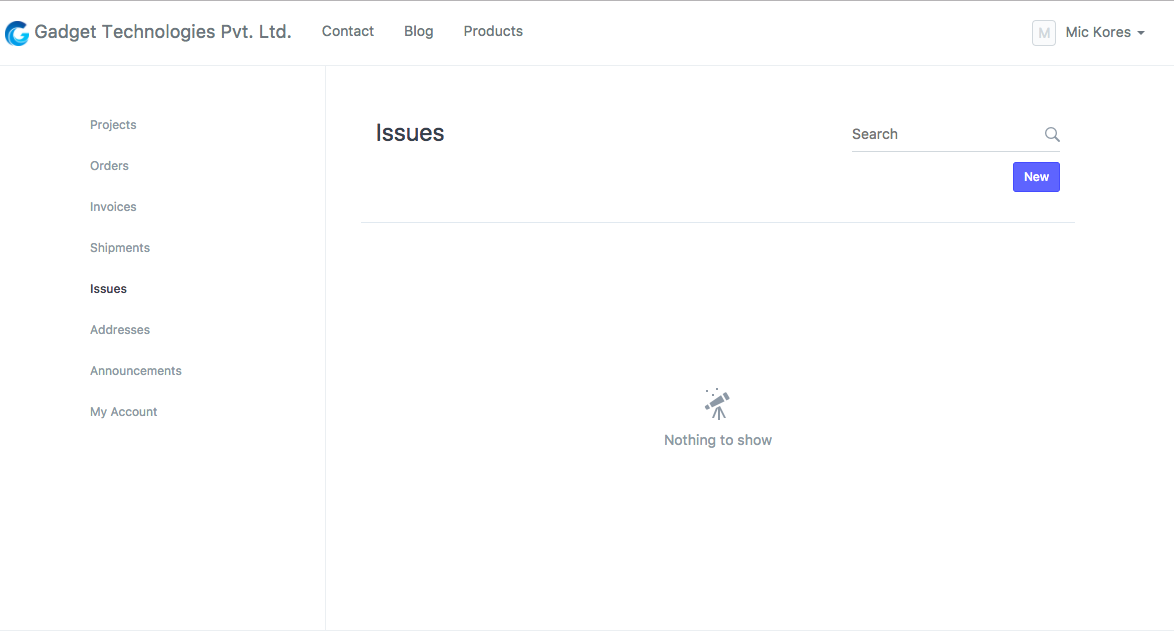
New Issue
Section titled “New Issue”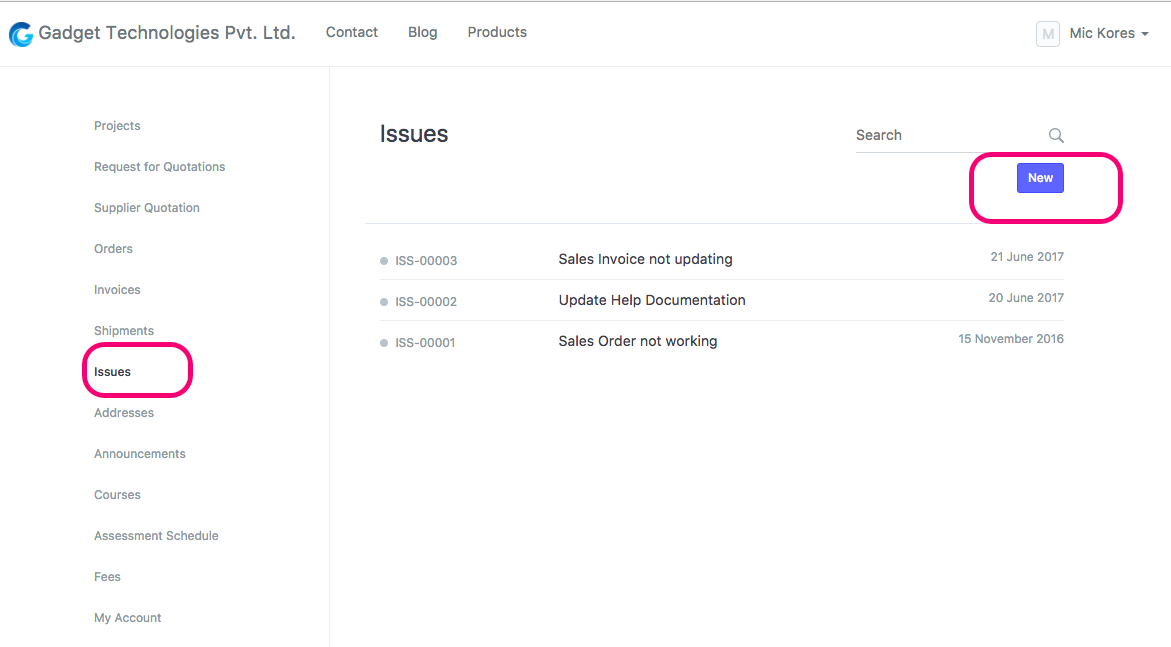
Open Issue
Section titled “Open Issue”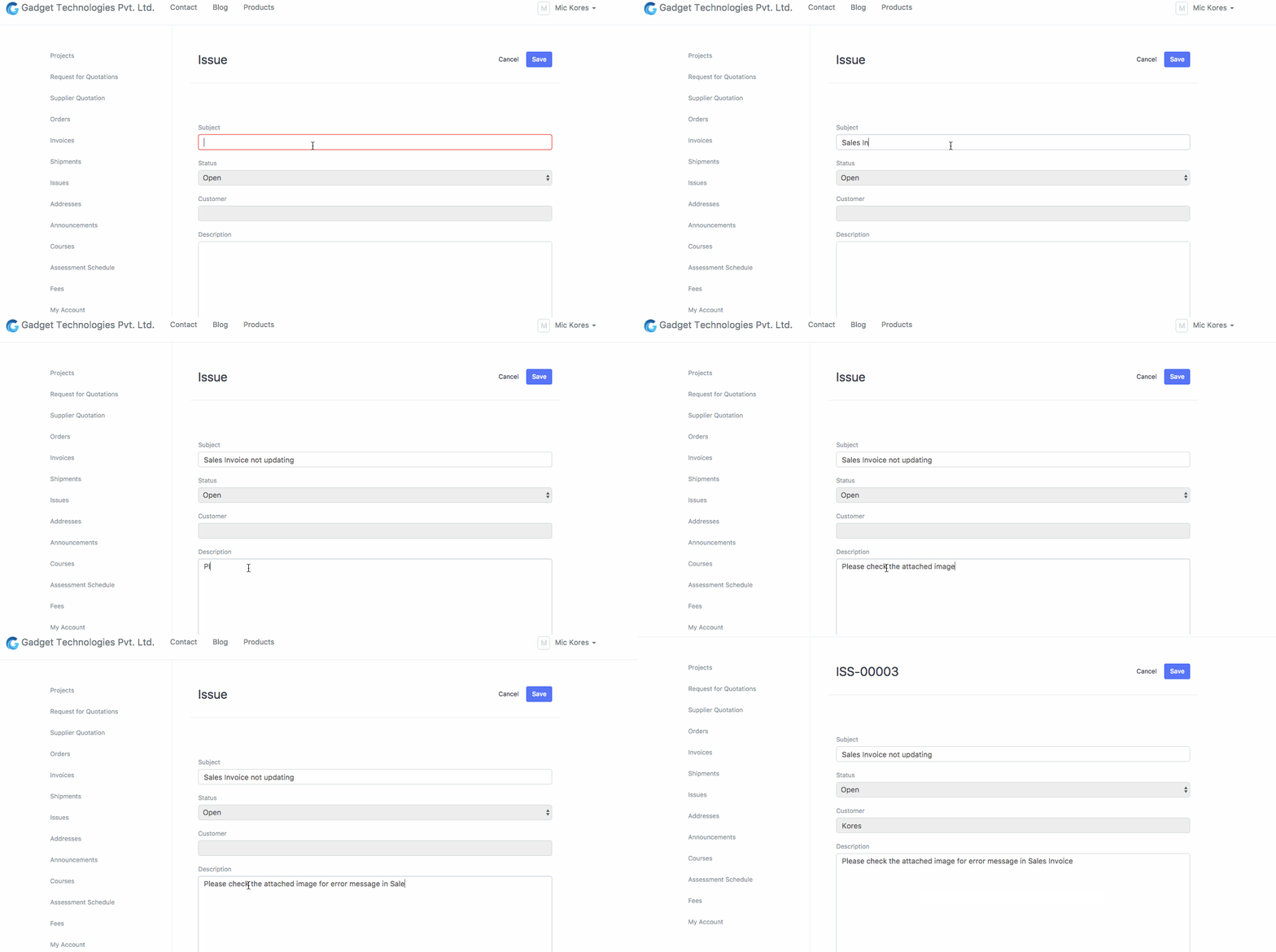
Reply on Issue
Section titled “Reply on Issue”