
Scrapping an Asset
هذا المحتوى غير متوفر بلغتك بعد.
Imagine a Nova Industries machine is damaged beyond repair and has no resale value. It is still shown in the accounts with some remaining value, so simply throwing it away would leave the books saying the company owns something that no longer exists.
Scrapping an Asset closes that gap. Bravo Hub ERP marks the asset as scrapped, removes its remaining carrying value through the correct accounts, and keeps the disposal history for audit.
Before you begin
Section titled “Before you begin”Confirm the Asset is physically retired, approvals are complete, depreciation is current, and the correct loss or disposal account is configured. Scrapping is an accounting action, not a way to hide a missing asset.
Scrap the Asset
Section titled “Scrap the Asset”- Open the submitted Asset.
- Use the Scrap Asset action.
- Confirm the posting or disposal date.
- Review the generated Journal Entry before final submission where the workflow allows.
- Complete the action.
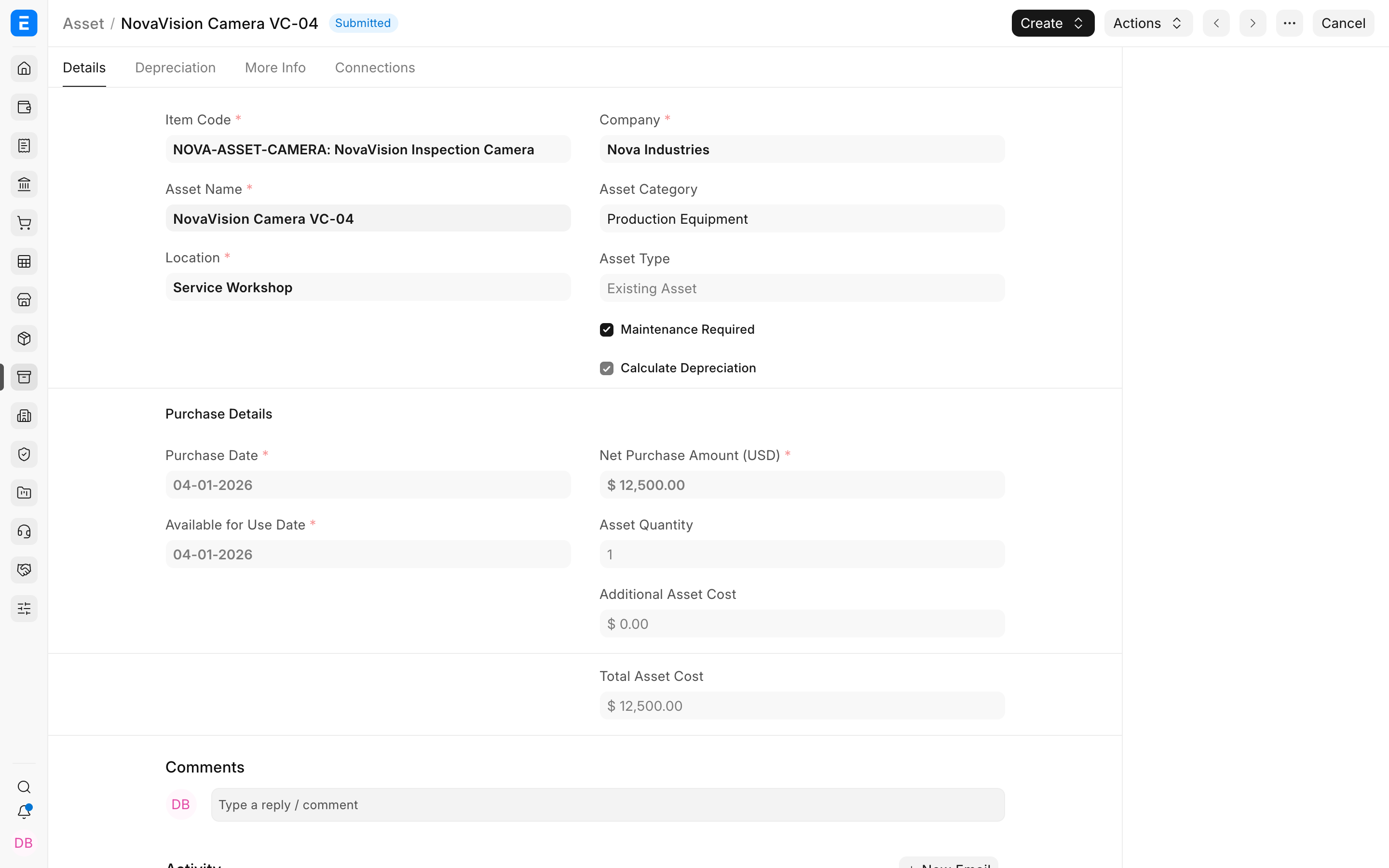
Verify the write-off
Section titled “Verify the write-off”The Asset status becomes Scrapped. The entry removes the remaining carrying value using the fixed-asset, accumulated depreciation, and loss accounts.
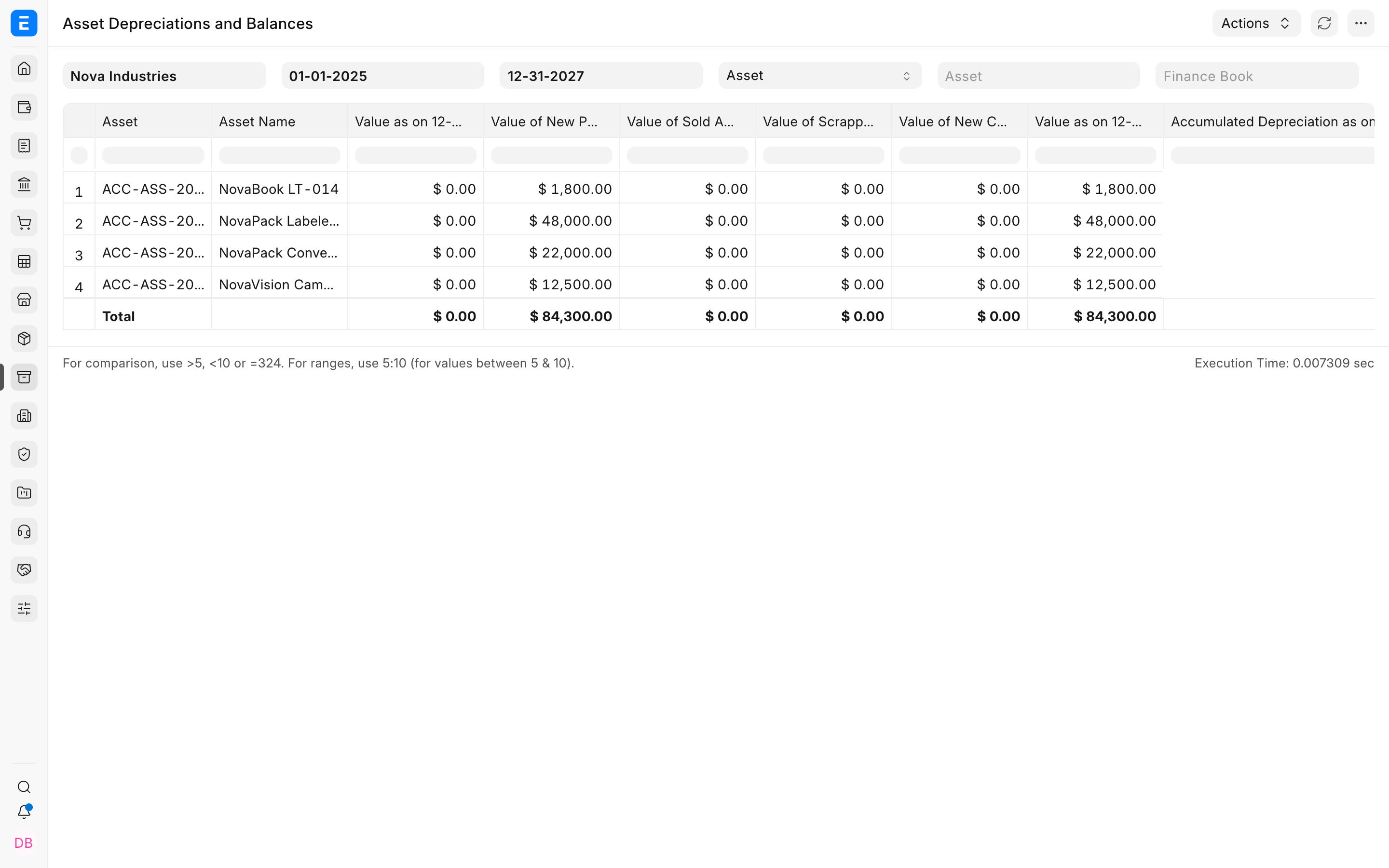
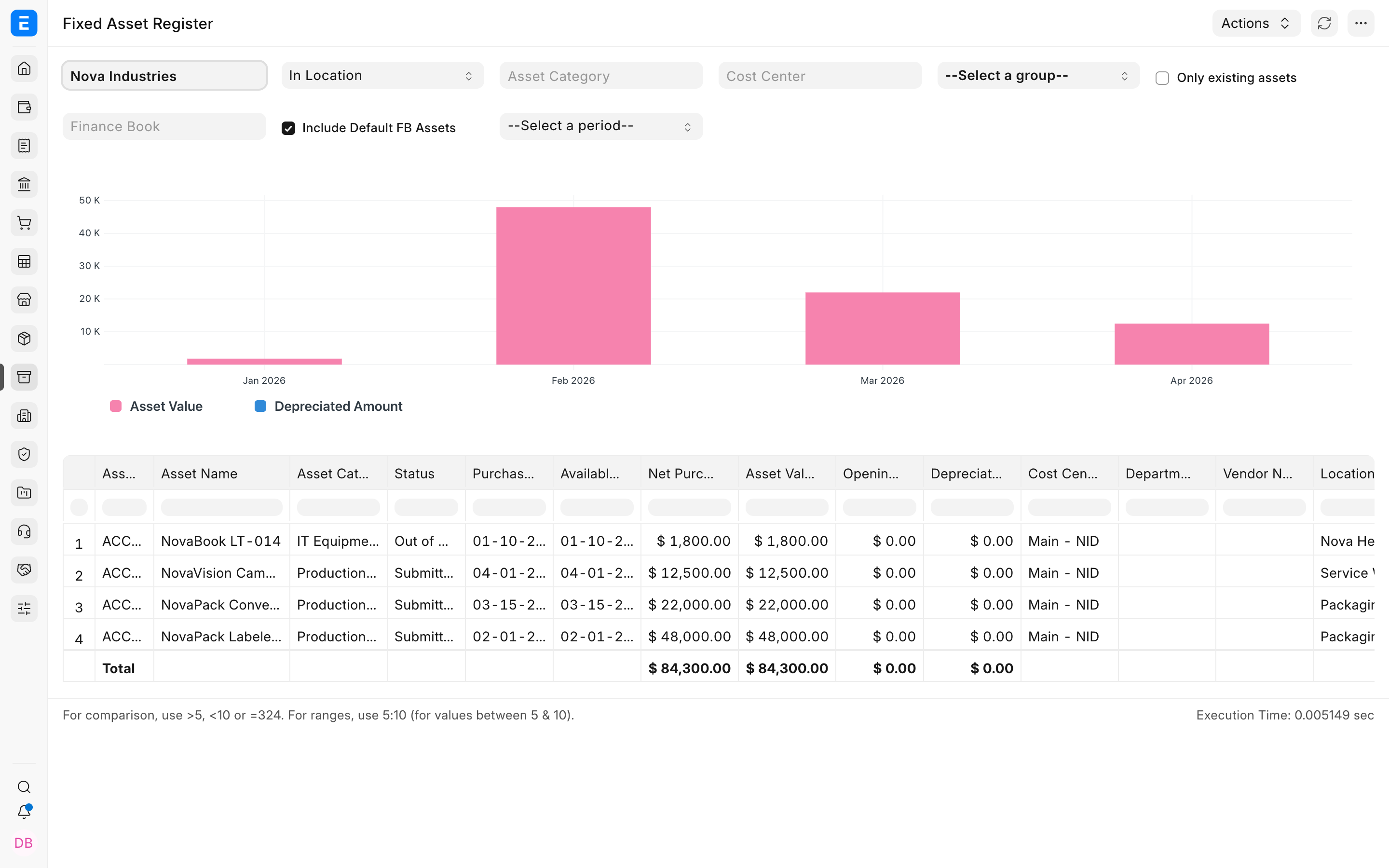
Confirm the Fixed Asset Register no longer treats the asset as active after the disposal date.
Troubleshooting
Section titled “Troubleshooting”The Scrap action is unavailable
Section titled “The Scrap action is unavailable”Confirm the Asset is submitted, not already disposed, and has no blocking draft or submitted lifecycle documents.
The write-off amount is unexpected
Section titled “The write-off amount is unexpected”Reconcile capitalized value, booked depreciation, value adjustments, and the disposal date before proceeding.
Frequently asked questions
Section titled “Frequently asked questions”Is scrapping the same as selling for zero?
Section titled “Is scrapping the same as selling for zero?”In Bravo Hub ERP, no. Scrapping is a write-off workflow without customer proceeds.
Can a fully depreciated asset be scrapped?
Section titled “Can a fully depreciated asset be scrapped?”In Bravo Hub ERP, yes. The remaining carrying value may be only the residual value, but status and disposal history still need to be closed correctly.
Can a scrapped asset be used again?
Section titled “Can a scrapped asset be used again?”Treat scrapping as a final disposal. Reverse only through the supported accounting correction process when the original action was genuinely wrong.