
Branch
هذا المحتوى غير متوفر بلغتك بعد.
A Branch office is an outlet of a company located at a different location, other than the main office.
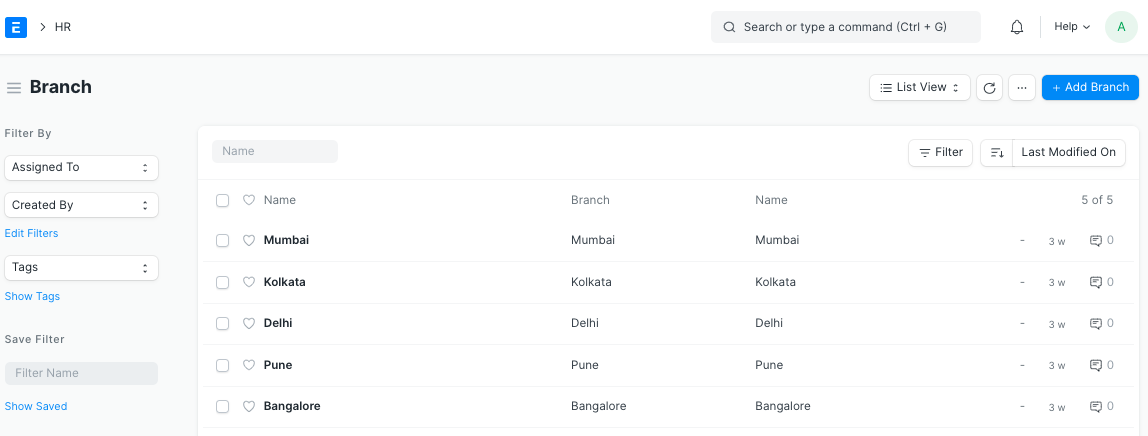
Bravo Hub HR allows you to create and keep a record of the different branches of your organization.
To access Branch, go to:
Home > Human Resources > Employee > Branch
1. Prerequisites
Section titled “1. Prerequisites”Before creating a Branch, it is mandatory you create the following documents:
2. How to create a Branch
Section titled “2. How to create a Branch”- Go to the Branch list, click on New.
- Enter the name of the Branch.
- Save.
You can link the Branch to the Employee master.