Job Offer
هذا المحتوى غير متوفر بلغتك بعد.
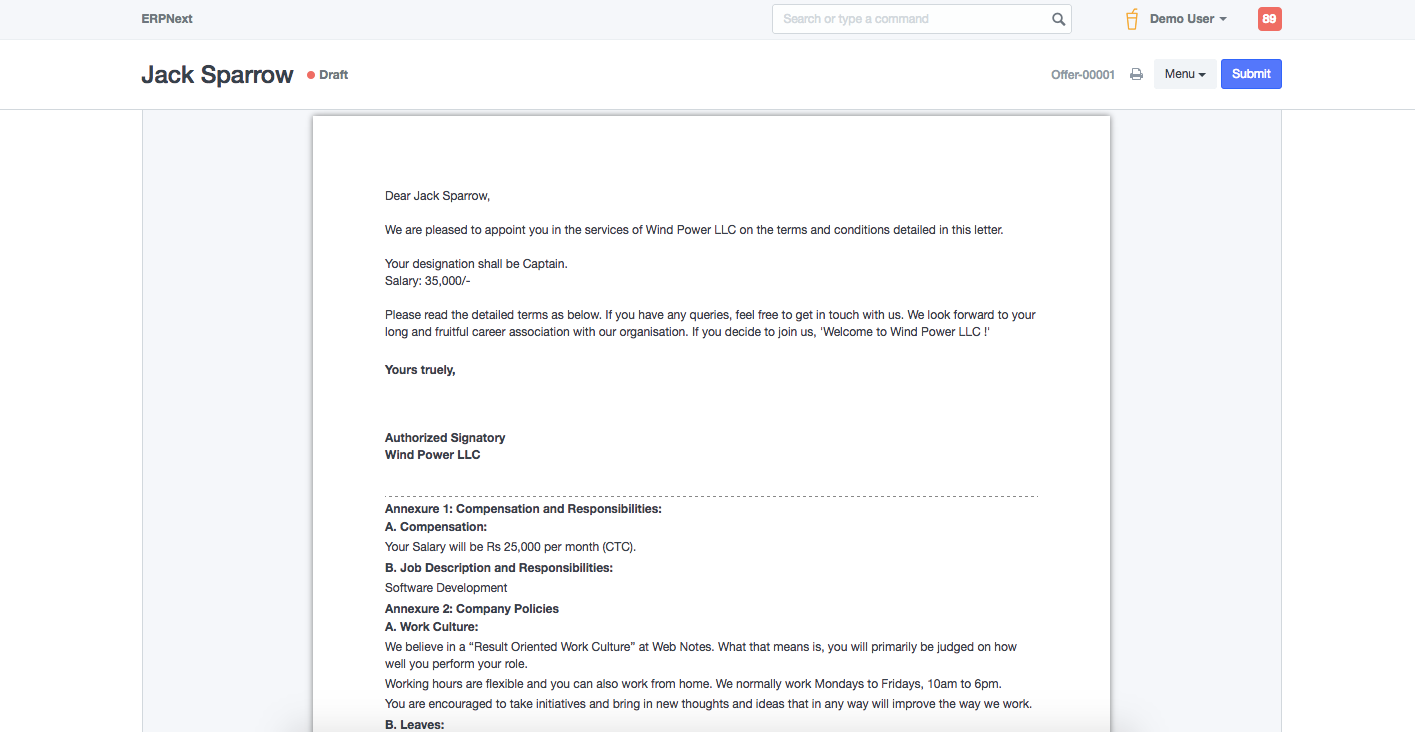
Job Offer is given to selected candidates after interview and selection which states the offered salary package, designation, grade, department, number of days entitled for leave among other information.
In Bravo Hub HR you can make a record of the Job Offers that you can give to candidates. To access Job Offer, go to:
Home > Human Resource > Recruitment > Job Offer
1. Prerequisites
Section titled “1. Prerequisites”Before creating a Job Offer, it is advisable to create the following:
2. How to Create a Job Offer
Section titled “2. How to Create a Job Offer”- Go to Job Offer list, click on New.
- Select the Job Applicant, Offer Date and Designation.
- Set the Status of the Job Offer (Awaiting Response, Accepted, Rejected).
- Save and Submit.
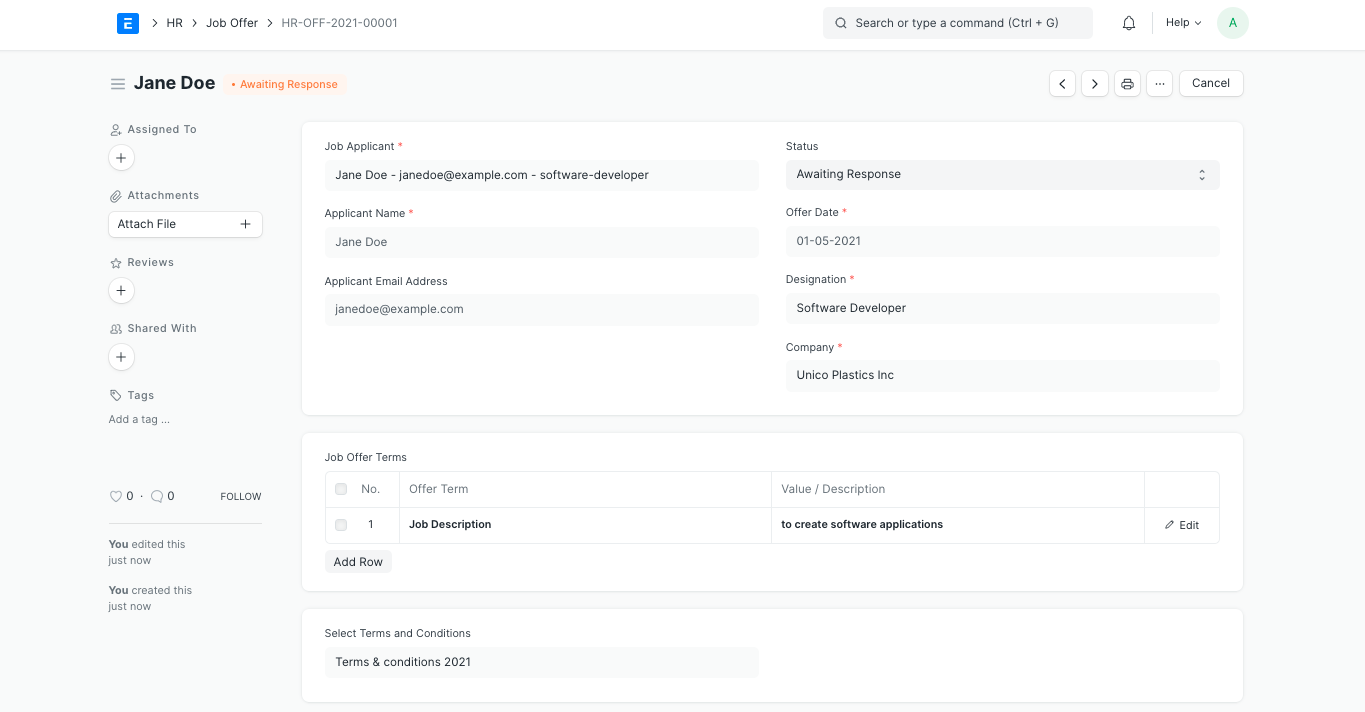
Note: A Job Offer can be made only against a Job Applicant
3. Features
Section titled “3. Features”3.1 Job Offer Terms
Section titled “3.1 Job Offer Terms”In this section, you can enter the Job Offer Term such as job description, notice period, incentives, leaves per year, etc. and specify its Value/ Description.
3.2 Select Terms and Conditions
Section titled “3.2 Select Terms and Conditions”All the Terms and Conditions related to the Job Offer can be specified in this section. To do this, create a new Terms and Conditions template and link it to the Job Offer.
3.3 Printing Details
Section titled “3.3 Printing Details”You can create a pre-designed print format to print you Job Offer. To do so, select the Letter Head and Print Heading in the Printing Details section.