Manufacturing Reports
هذا المحتوى غير متوفر بلغتك بعد.
There are various reports in the Manufacturing module that help you track Work Order progress, production analytics, BOM reports, etc.
In all of these reports, you can set a chart to show a visual representation. To do this, click on the Set Chart button.
These reports can be accessed from:
Home > Manufacturing > Reports
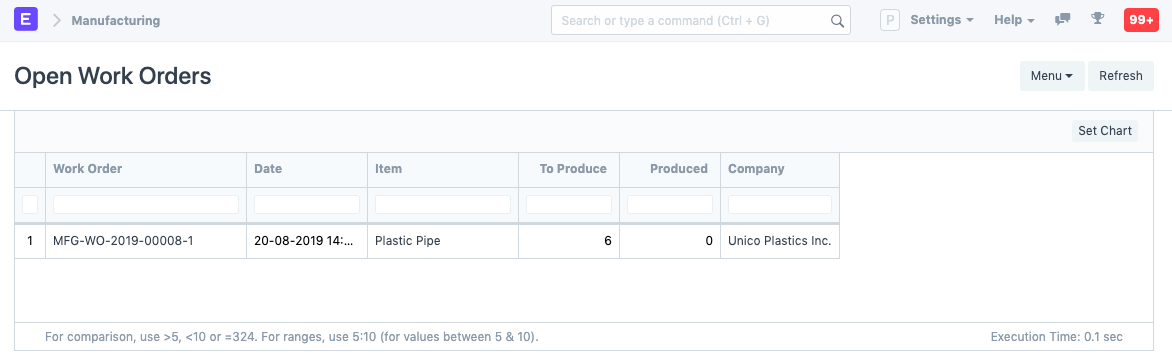
Open Work Orders
Section titled “Open Work Orders”Shows the open Work Orders which have not started production yet.
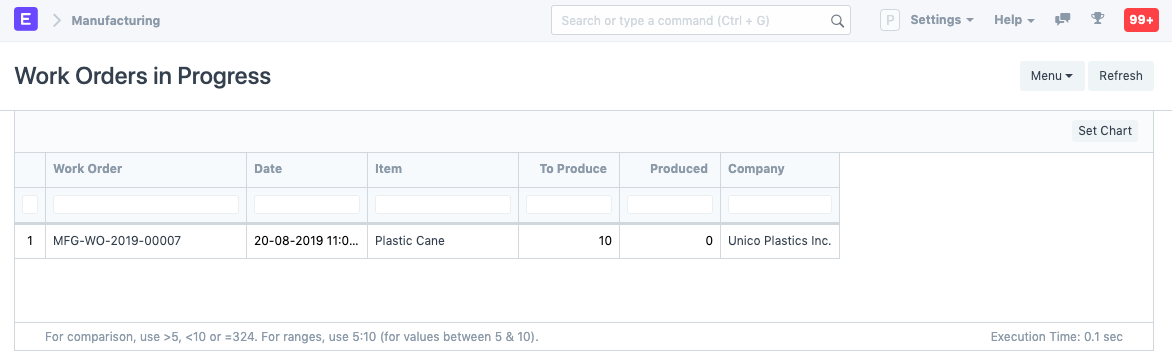
Work in Progress Report
Section titled “Work in Progress Report”This report shows any work orders that have started and are in progress. The status of these Work Orders is ‘In Process’.
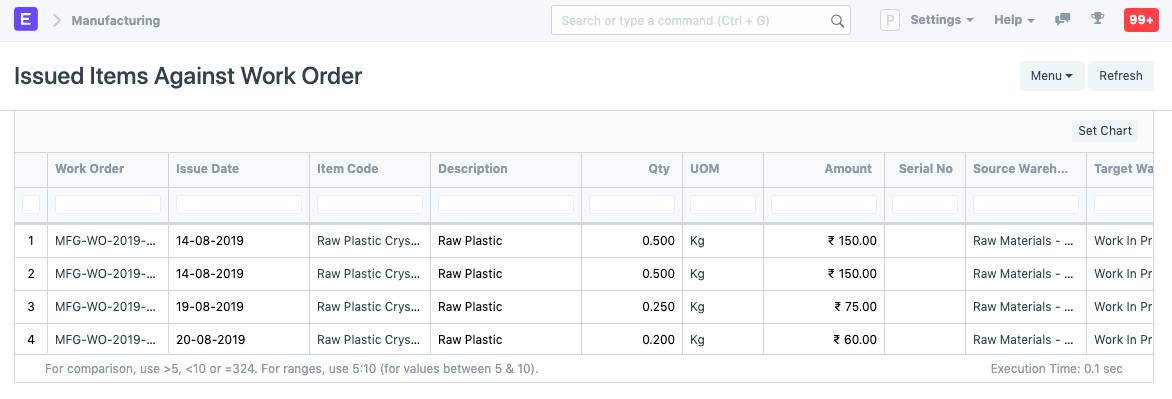
Issued Items Against Work Order
Section titled “Issued Items Against Work Order”Items that are issued to a Work Order and are transferred to the Work in Progress Warehouse are shown here.
Completed Work Orders
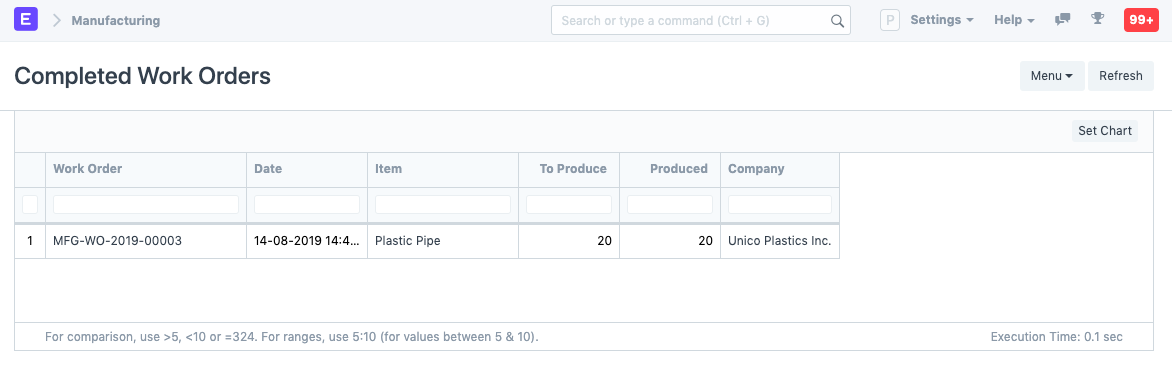
Section titled “Completed Work Orders”Work Orders which are completed with all the quantities in it manufactured are shown in this report.
Production Analytics
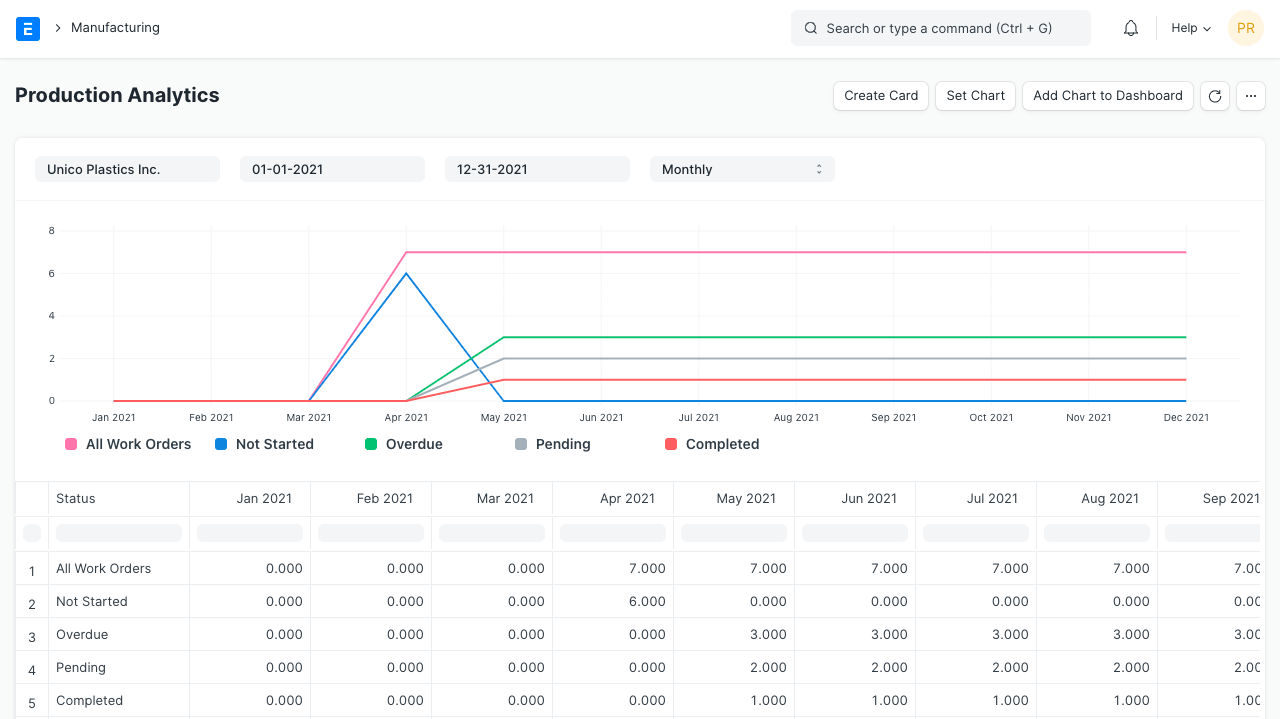
Section titled “Production Analytics”This report shows the overall analytics of all Work Orders.
BOM Search
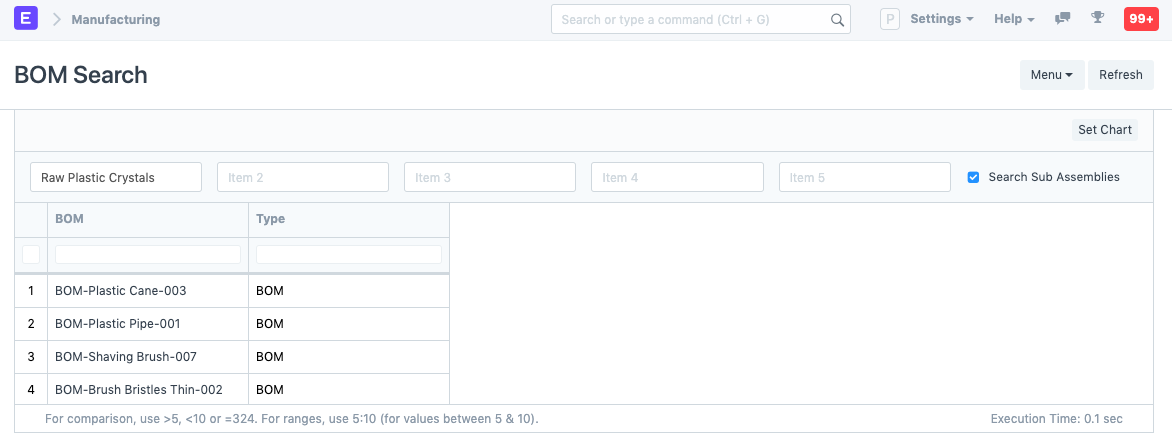
Section titled “BOM Search”In this report, you can search for specific BOMs based on the raw materials items used in them, then open it. Useful if you have a lot of BOMs.
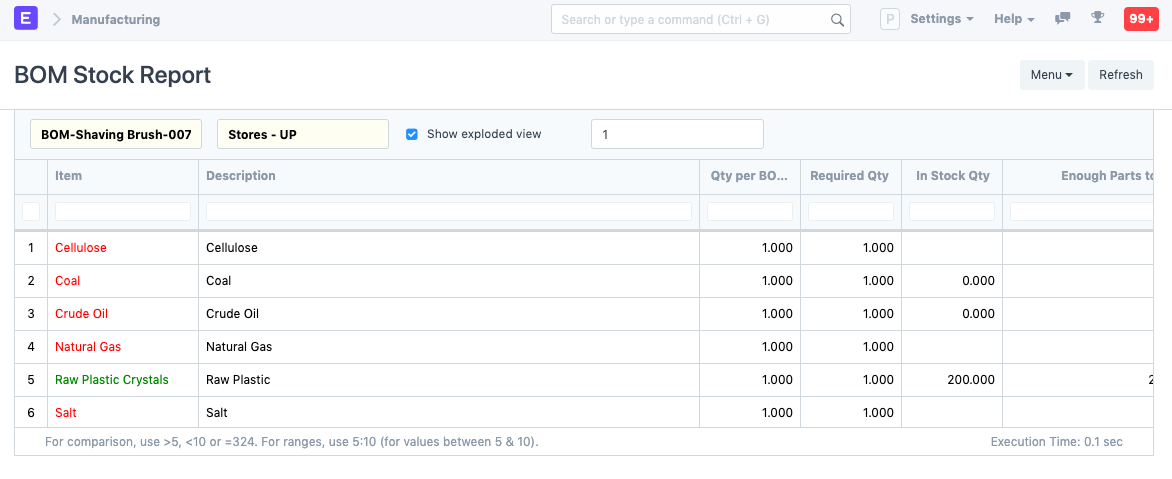
BOM Stock Report
Section titled “BOM Stock Report”On selecting a BOM in this report, the raw material quantity in Warehouses will be shown. As you can see, the items which have insufficient quantity are shown in red and ones with enough quantity to manufacture the BOM Item are shown in green.