
Organization
هذا المحتوى غير متوفر بلغتك بعد.
If you’re in B2B sales, you’re rarely dealing with just one person at a company. There might be multiple deals happening with the same organization at the same time – a new product, an upsell, a renewal, a cross-sell. Organizations give you a place to track all of it in one view.
Inside an Organization
Section titled “Inside an Organization”When you open an organization, you’ll see its details on the left – name, website, territory, industry, number of employees, and address.
On the right, you get two tabs:
- Deals – Every deal linked to this organization, with the amount and current status. At a glance, you can see where each opportunity stands
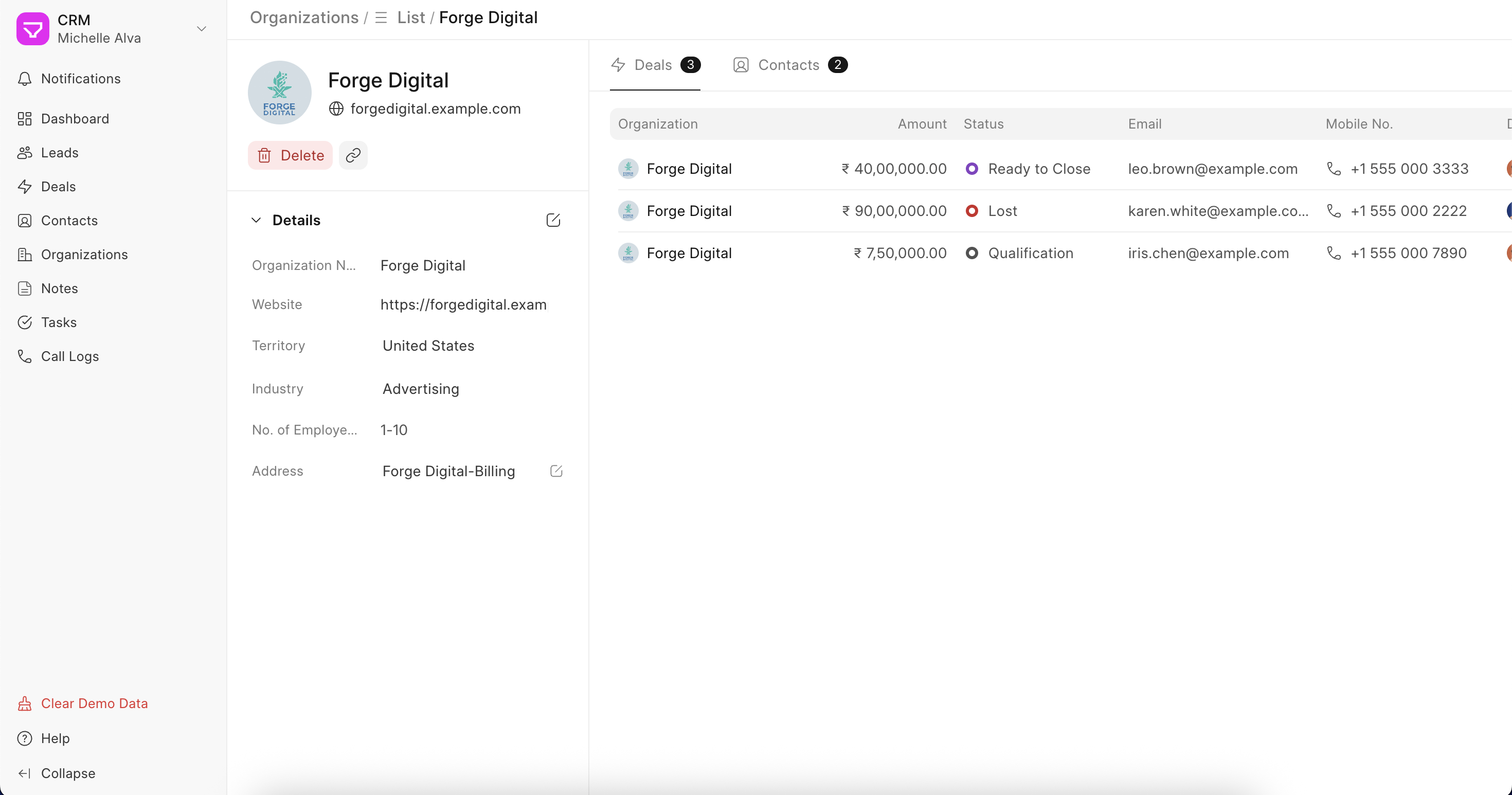 Linked Deals to an Organization - could be a new Deal, Upsell/Cross-sell, Renewal
 - Contacts – Everyone at this organization who’s in your CRM, with their email and phone
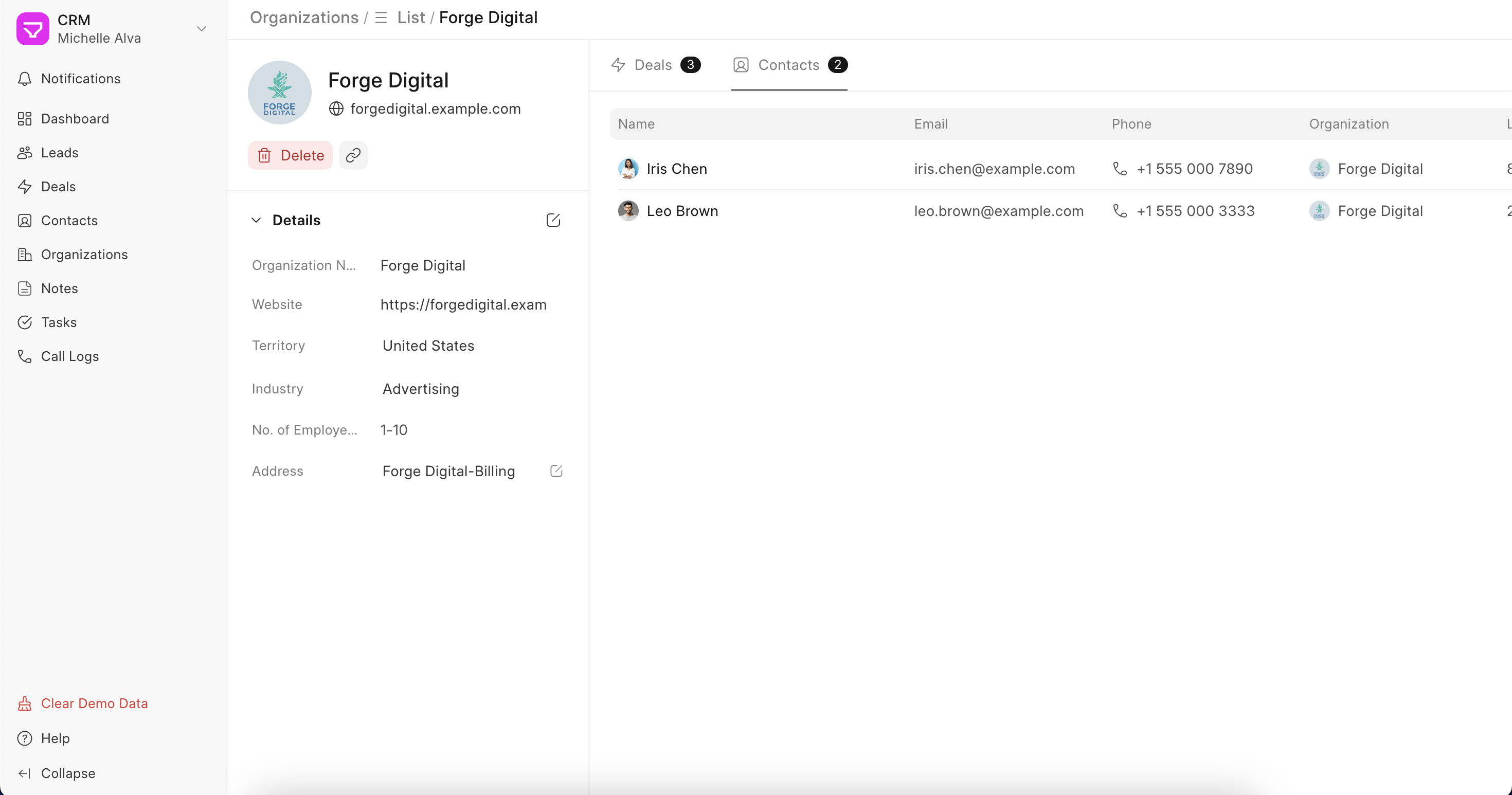 Multiple stakehoders of an Organization shown as Contacts
This makes it easy for a sales rep to walk into a conversation fully prepared. They know what’s been discussed, what’s open, and who else on their team has been talking to this account.
How Organizations get created
Section titled “How Organizations get created”Just like contacts, organizations are created automatically when a lead is created or converted to a deal. You can also create them manually or link an existing organization to a deal during the conversion process. Read about it more here.