Item Attribute
هذا المحتوى غير متوفر بلغتك بعد.
‘Item Attributes’ are the characteristics based on which Item Variants are created.
Section titled “‘Item Attributes’ are the characteristics based on which Item Variants are created.”The attributes can be defined based on item’s physical appearance and capabilities. Defining item attributes properly will be helpful in creating item variants as a combination of multiple attributes.
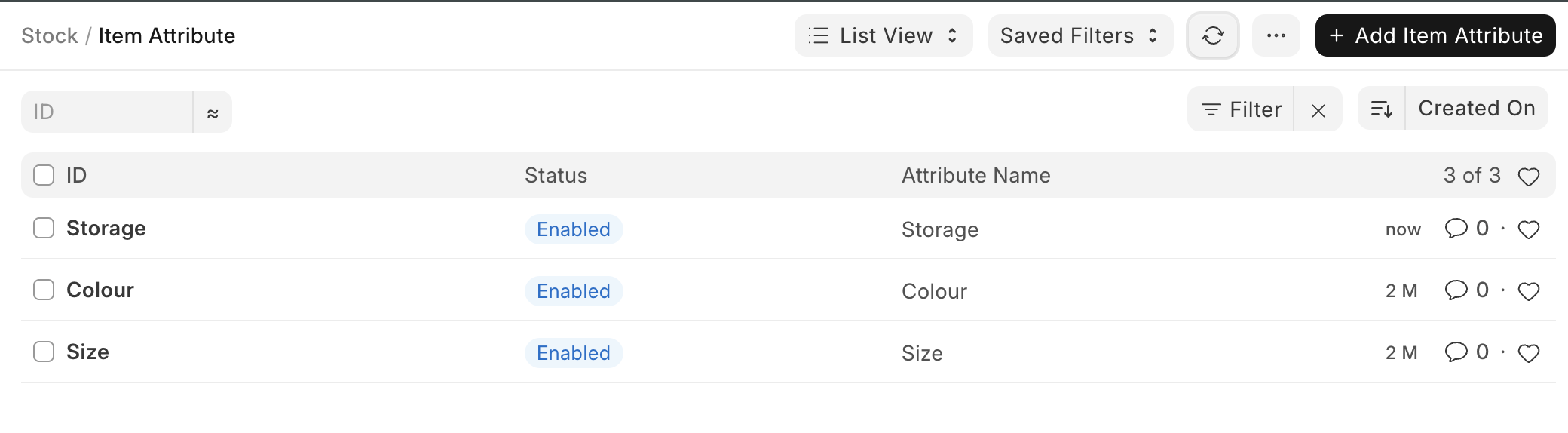
To access the Item Attribute list, go to:
Home > Stock > Settings > Item Attribute
How to create an Item Attribute?
Section titled “How to create an Item Attribute?”- Go to the Item Attribute list, click on ‘Add Item Attribute’.
- Enter a name for the Attribute.
- Enter the attribute values in the table.
- Save.
The attribute values can be numeric or non-numeric.
Non-Numeric Attributes
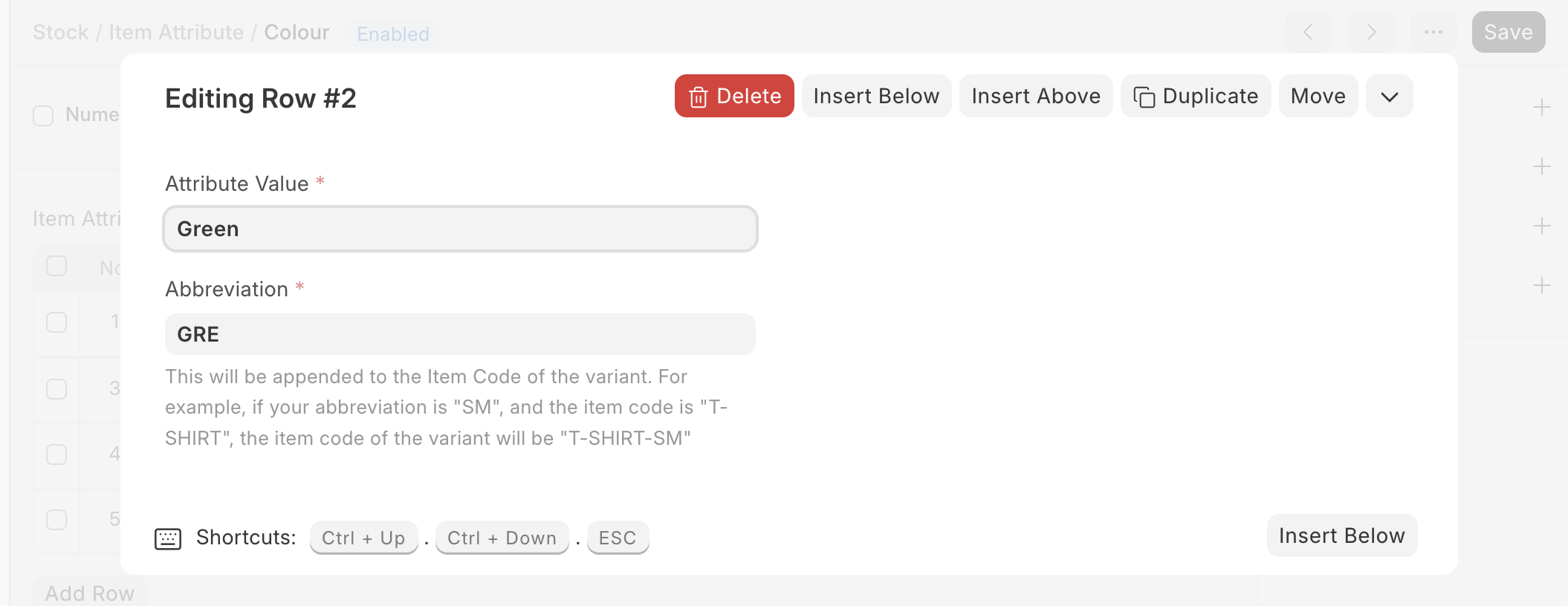
Section titled “Non-Numeric Attributes”For Non-numeric attributes, specify attribute values along with their abbreviations in the Attribute Values table.
Numeric Attribute
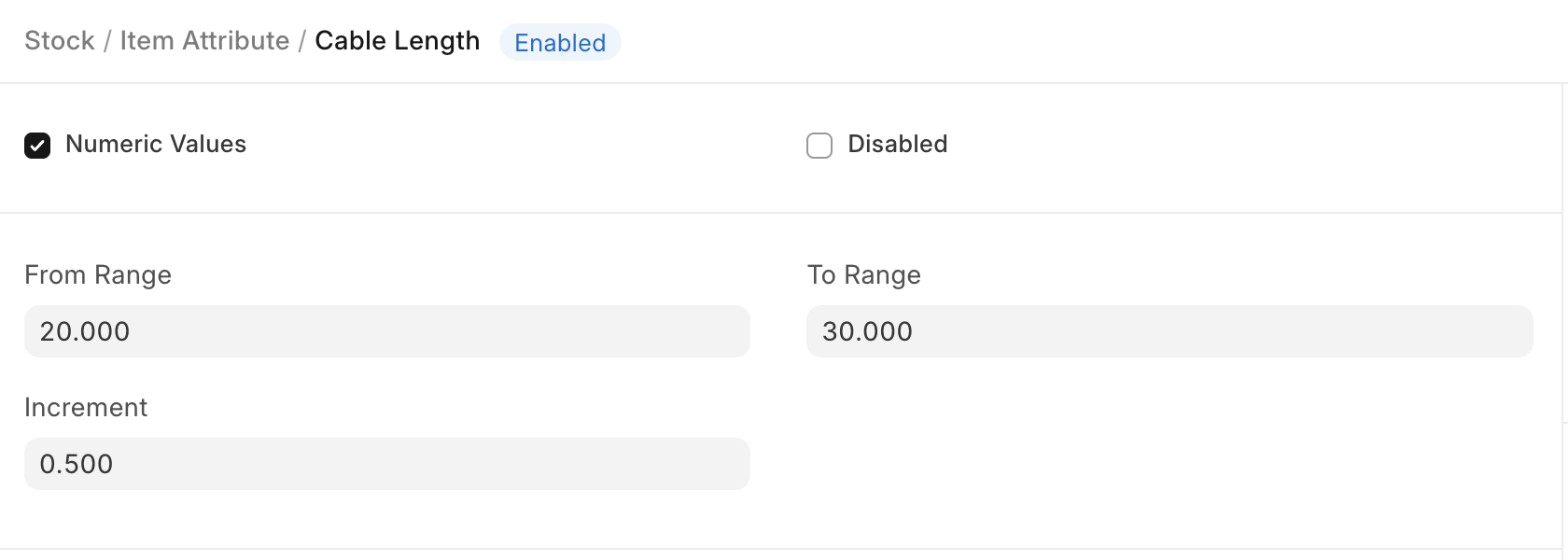
Section titled “Numeric Attribute”If your attribute is ‘Numeric’, then specify the range and increment so that the system can generate respective variants.
In the following example, the cable length is of range 1 to 5 and the increment is 1. Hence, the variants will be 1,2,3,4,5.