
Why Use a Common Receivable Account
هذا المحتوى غير متوفر بلغتك بعد.
Bravo Hub ERP normally posts each Customer to the Company’s default Receivable account while preserving the Customer as the party. A Common Receivable Account lets several customers share one receivable ledger account without losing customer-level outstanding balances.
Configure the account
Section titled “Configure the account”- Open the Company or Accounts Settings and confirm the default Receivable account.
- Ensure the account is a non-group Asset account with Account Type set to Receivable.
- In the Customer’s accounting details, add a Company-specific receivable account only when that Customer must override the default.
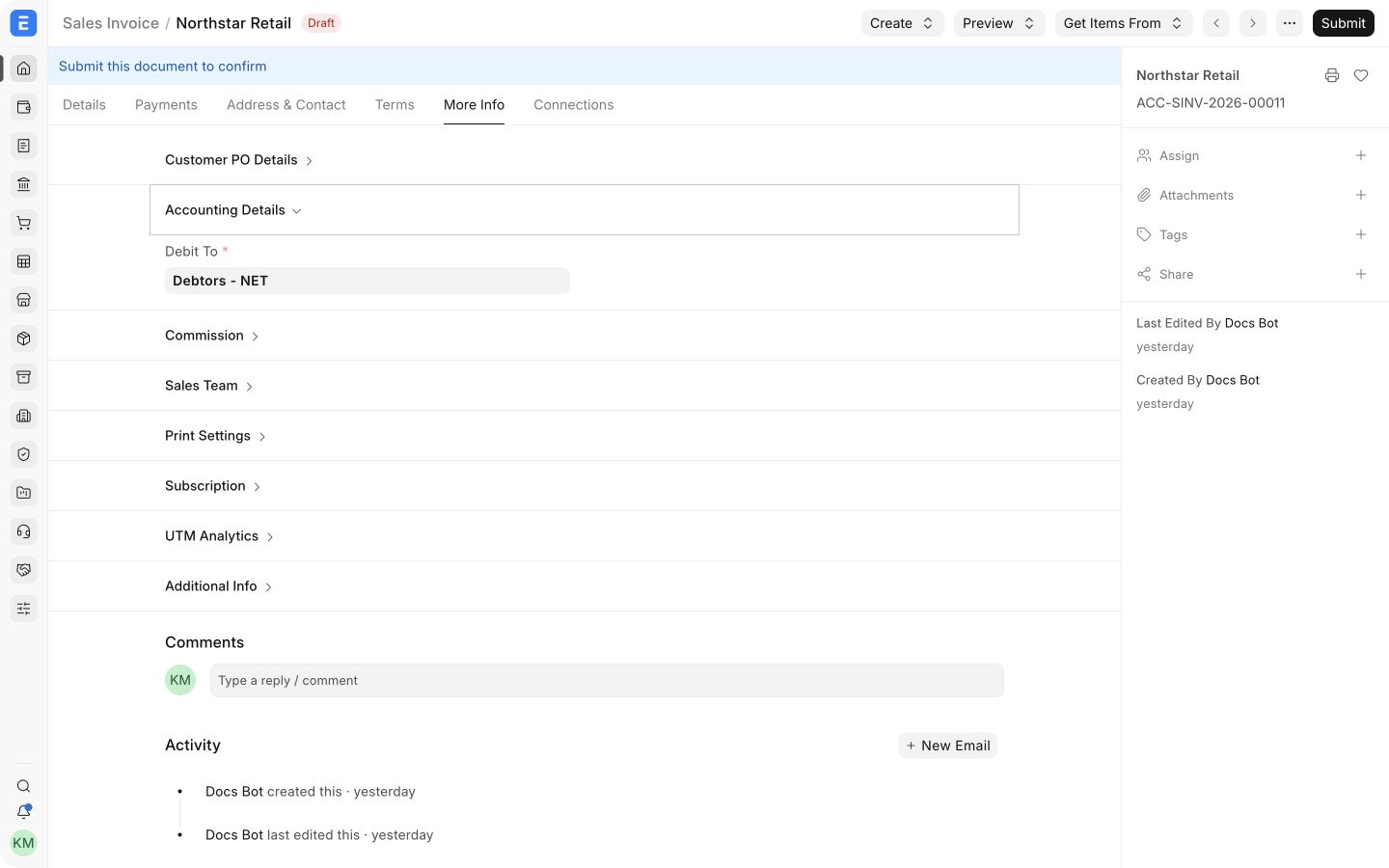
- Create a test Sales Invoice and confirm its Debit To account.
The Debit To field on a Sales Invoice shows the receivable control account used for that customer transaction.
How customer balances remain separate
Section titled “How customer balances remain separate”The General Ledger entry contains both the receivable account and the Customer party. Reports such as Accounts Receivable use the party and voucher references to separate balances, even when all customers post to the same ledger account.
| Level | Purpose |
|---|---|
| Receivable account | Total control balance in the Chart of Accounts |
| Customer party | Balance for one customer |
| Voucher reference | Outstanding amount for one invoice or credit |
Common problems
Section titled “Common problems”The Customer posts to the wrong receivable account
Check the Customer’s Company-specific account first, then the Company’s default Receivable account.
Accounts Receivable does not match the control account
Compare the same Company, date, currency, and receivable account. Look for Journal Entries without a Party or voucher reference.
A receivable account cannot be selected
Confirm it is a non-group account, belongs to the same Company, and has the correct account type.