
Customizing Field Visibility in Print Format
هذا المحتوى غير متوفر بلغتك بعد.
Each transaction has a Standard Print Format. In the Standard format, only certain fields are displayed by default. If a user wants to display a particular field in the Standard format, it can be customized by using Customize Form tool.
Let’s assume in the Sales order, we need to make Shipping Address field visible in the standard print format.
Step 1: Go to Customize Form
Section titled “Step 1: Go to Customize Form”Home > Customization > Form Customization > Customize Form
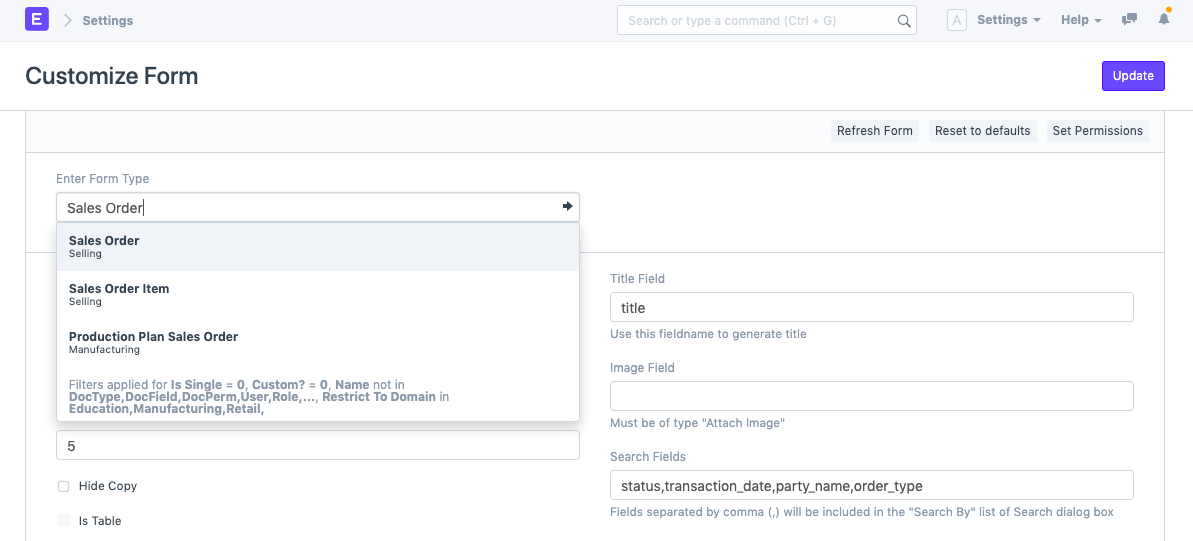
Step 2: Document Type
Section titled “Step 2: Document Type”As per our scenario, Sales Order will be selected as Document Type.
Step 3: Disable Print Hide
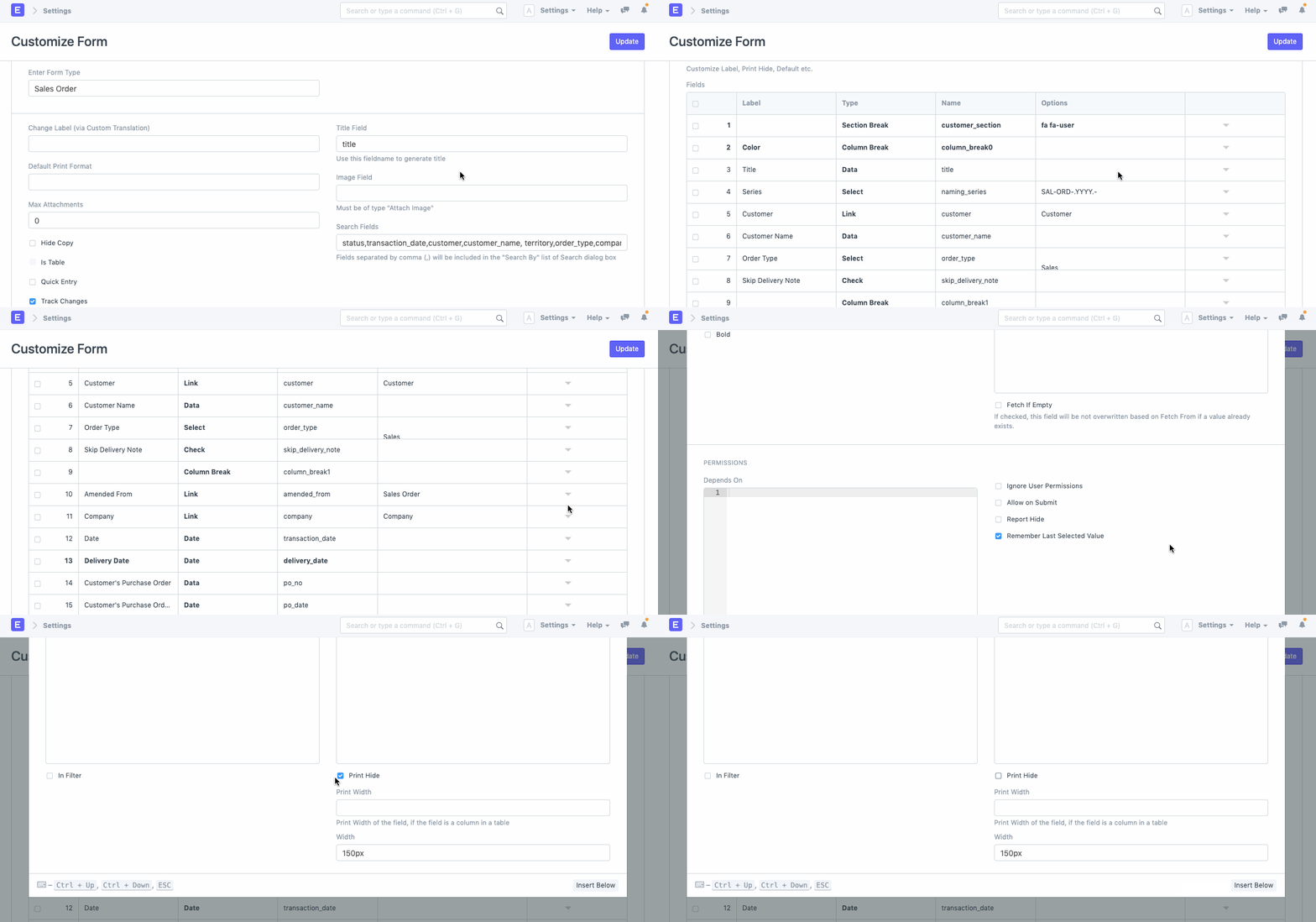
Section titled “Step 3: Disable Print Hide”Click to open field to be made visible in the Standard Print Format. Disable Print Hide field.
Step 4: Update
Section titled “Step 4: Update”Update Customize Form to save changed. Reload your Bravo Hub ERP account, and then check Print Format for confirmation.