
Exotel Integration
هذا المحتوى غير متوفر بلغتك بعد.
This integration allows you to integrate Exotel into your Bravo Hub ERP account. Leads and their phone numbers captured via Exotel can be saved directly to your Bravo Hub ERP.
1. Features
Section titled “1. Features”- Track incoming calls in your Bravo Hub ERP account.
- Shows existing lead/customer information pop-up to employees when an incoming call is received.
2. How to setup
Section titled “2. How to setup”2.1 Setup your Exotel account
Section titled “2.1 Setup your Exotel account”- Login to your Exotel account and go to App Bazar.
- Create a new App for a new flow.
- Setup the flow as you wish it to be.
- In your connect API under “Create popup…” and paste following URL: `7
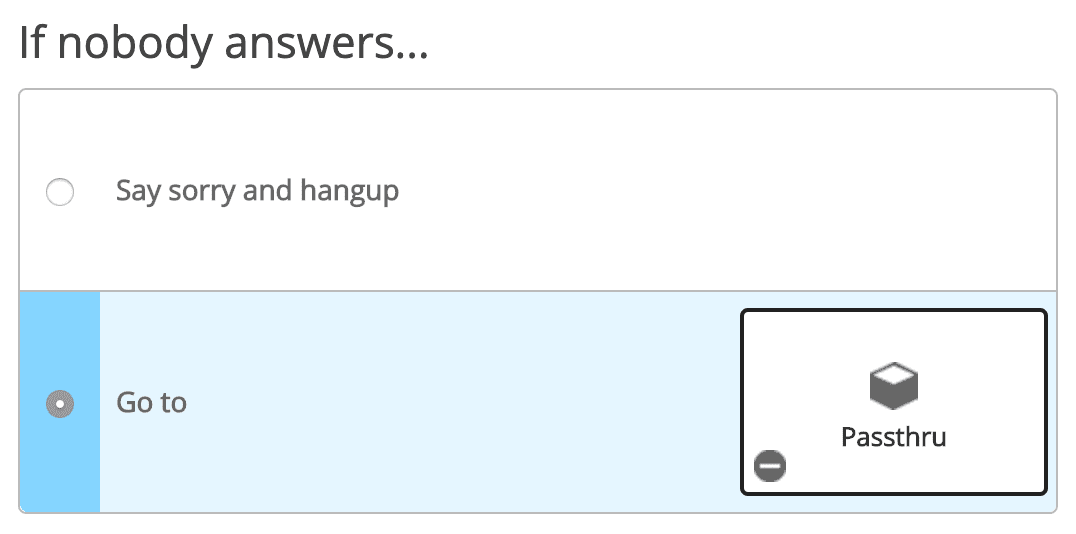
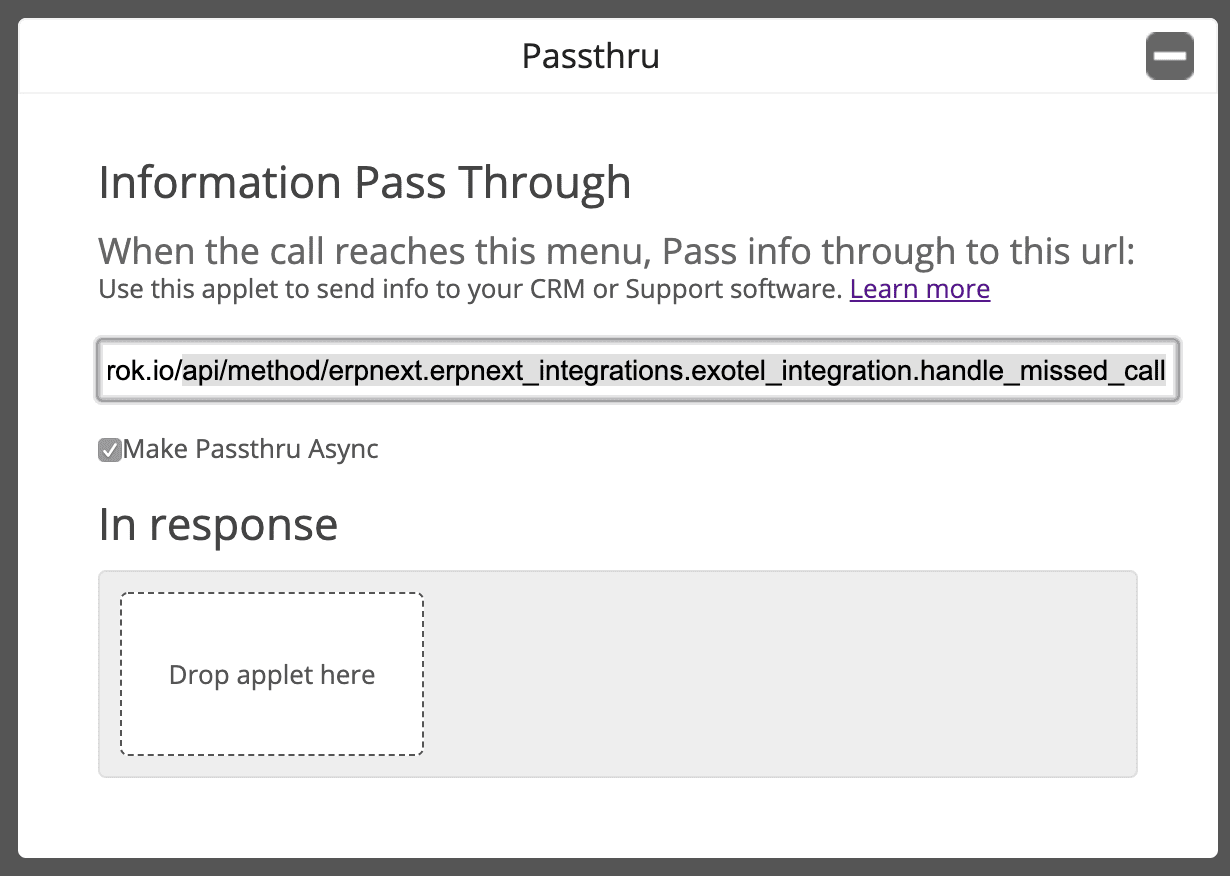
Note: Make sure to check “Make Passthru Async”.
- Save the flow.
- Now assign this newly created app to your ExoPhone from which you receive your business calls.
2.2 Setup in Bravo Hub ERP
Section titled “2.2 Setup in Bravo Hub ERP”- From Awesome Bar, go to ‘Exotel Settings’.
- Set your “Exotel SID” and “Exotel Token”. You can find your Exotel API key and token on your Exotel Dashboard.
- Go to Communication Medium.
- Add your ExoPhone and schedule that number. Based on this schedule employees will receive the popup.