
Employee State Insurance
Employee State Insurance (ESIC)
Section titled “Employee State Insurance (ESIC)”The Employees’ State Insurance scheme (ESI) is a mandatory social security scheme under the ESI Act, 1948. India Payroll automates ESI contribution calculation and injection into Salary Slips.
1. How to Enable
Section titled “1. How to Enable”- Go to Payroll Settings → India Payroll tab.
- Check Enable ESIC Deduction.
- Optionally enter your ESIC Registration Number (appears on the ESIC Register report).
- Save.
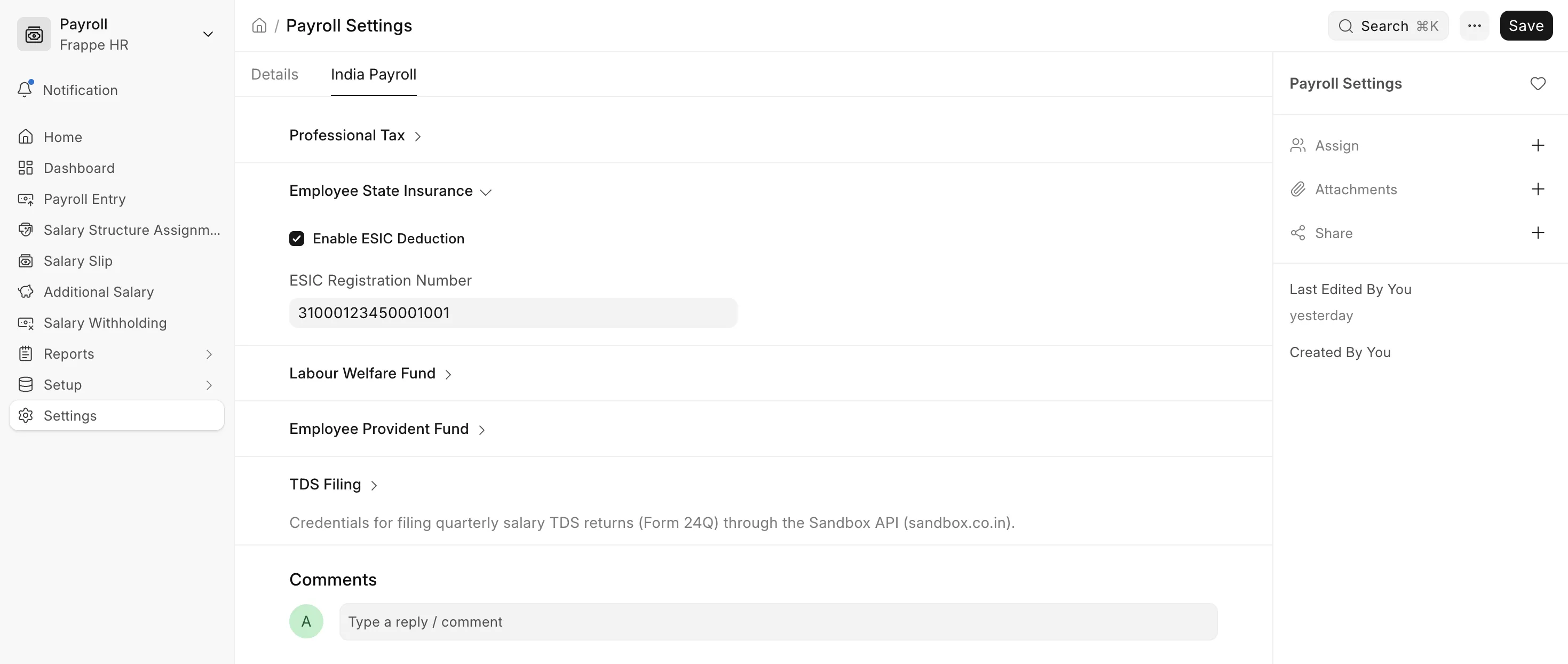 Enabling ESI deduction
2. How It Works
Section titled “2. How It Works”The single contribution row covers both shares:
| Share | Rate |
|---|---|
| Employee contribution | 0.75% of gross wages |
| Employer contribution | 3.25% of gross wages |
| Combined (on slip) | 4.00% of gross wages |
Note
The employer’s 3.25% is shown as a single line on the slip for transparency. It is part of the CTC and not a separate payable deduction from the employee’s perspective.
3. Wage Ceiling
Section titled “3. Wage Ceiling”| Category | Monthly Gross Wage Ceiling |
|---|---|
| General employees | ₹21,000 |
| Persons with Disability (PwD) | ₹25,000 |
The PwD status is read from the is_person_with_disability checkbox on the Employee master.
- Employees at or below the ceiling are covered (ESI row injected).
- Employees above the ceiling are not covered (ESI row removed if previously present).
4. Persons with Disability
Section titled “4. Persons with Disability”To apply the higher ₹25,000 ceiling for a PwD employee:
- Open the appropriate Salary Structure Assignment document.
- Check Is Person with Disability.
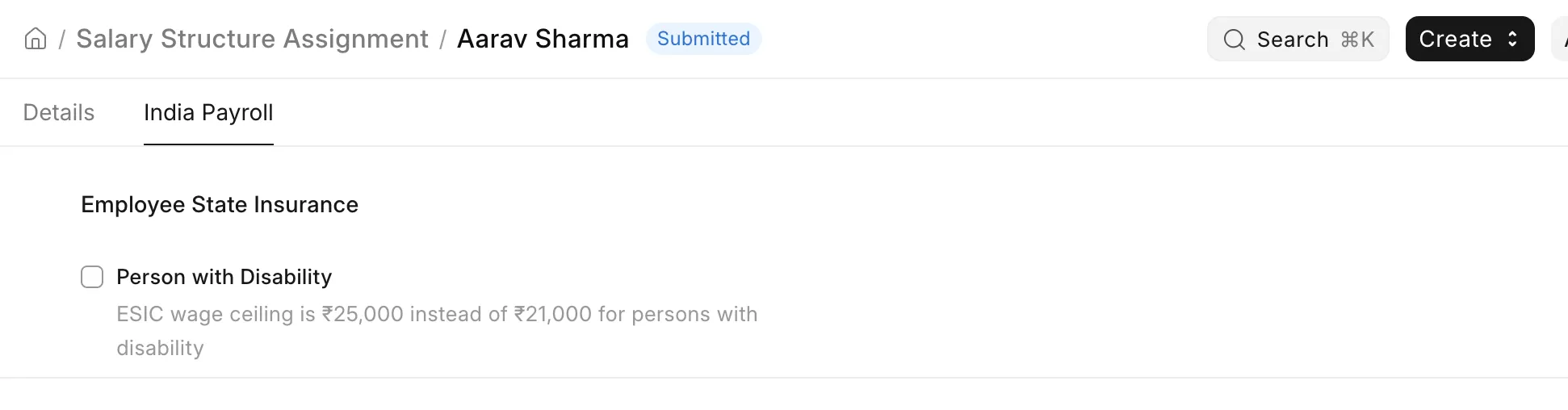
The hook reads this field on every slip save, so changing the flag mid-year takes effect on the next payroll run.
5. ESIC Card Number
Section titled “5. ESIC Card Number”The ESIC Card No (IP Number) field is a standard Bravo Hub HR field on the Employee master. It is displayed in the ESIC Register report and should be filled for all covered employees for the report to be complete.