
Set Language
Nova Industries is a fictional electronics manufacturer and distributor. Most employees use Bravo Hub ERP in English, but the company hires Sofia to coordinate Spanish-speaking customers and suppliers. Changing the whole site to Spanish would disrupt the rest of the team, while forcing Sofia to translate every menu in her head makes routine work slower and more error-prone.
Bravo Hub ERP separates the site’s default language from a user’s preferred language. The System Manager can keep English as the shared fallback and set Spanish only for Sofia. When she signs in again, supported labels and messages appear in her language while other users continue in English.
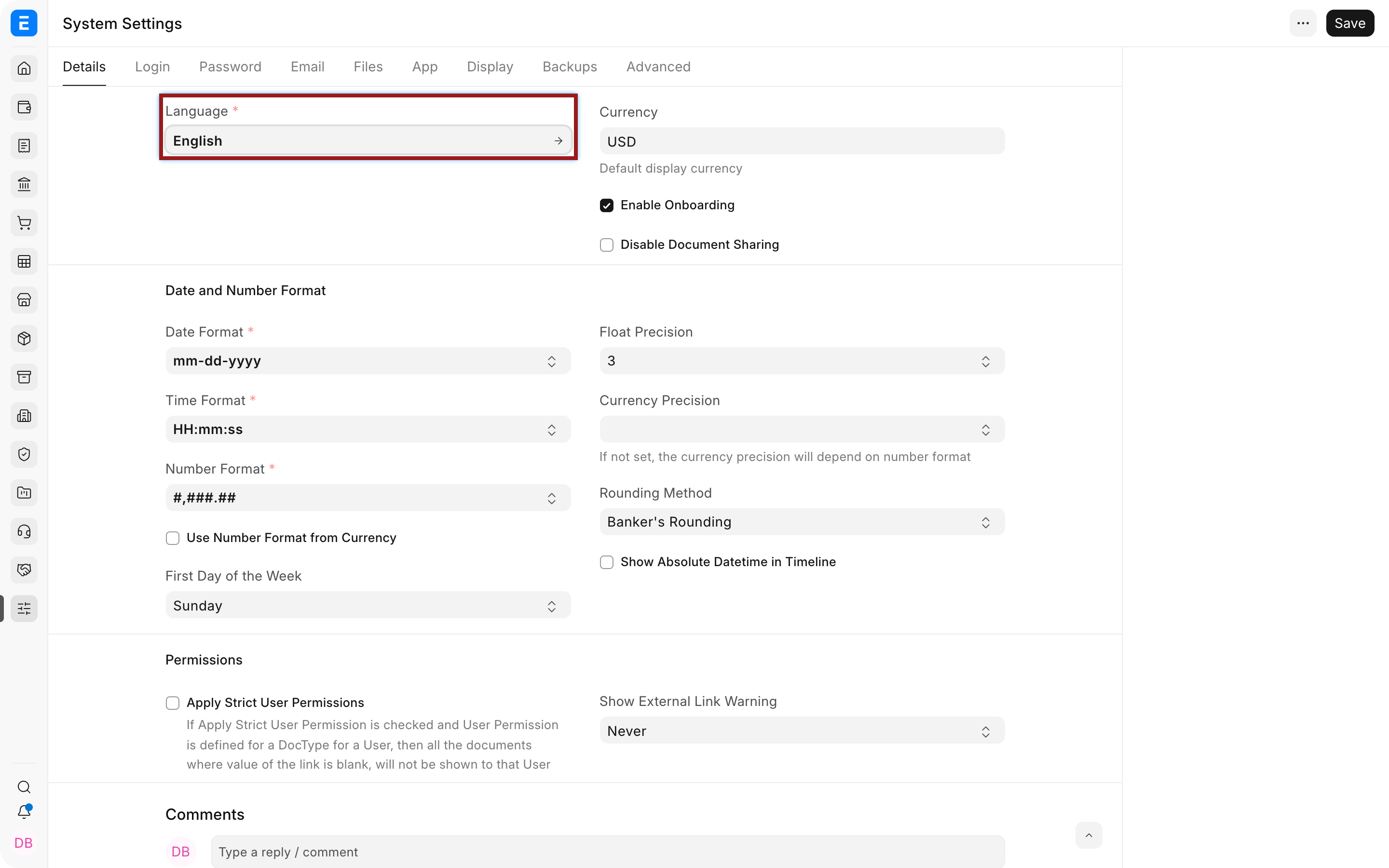
Set the default site language
Section titled “Set the default site language”Open System Settings, choose Language, save, and reload the site. Use this when the chosen language should be the default for users who do not have a personal override.
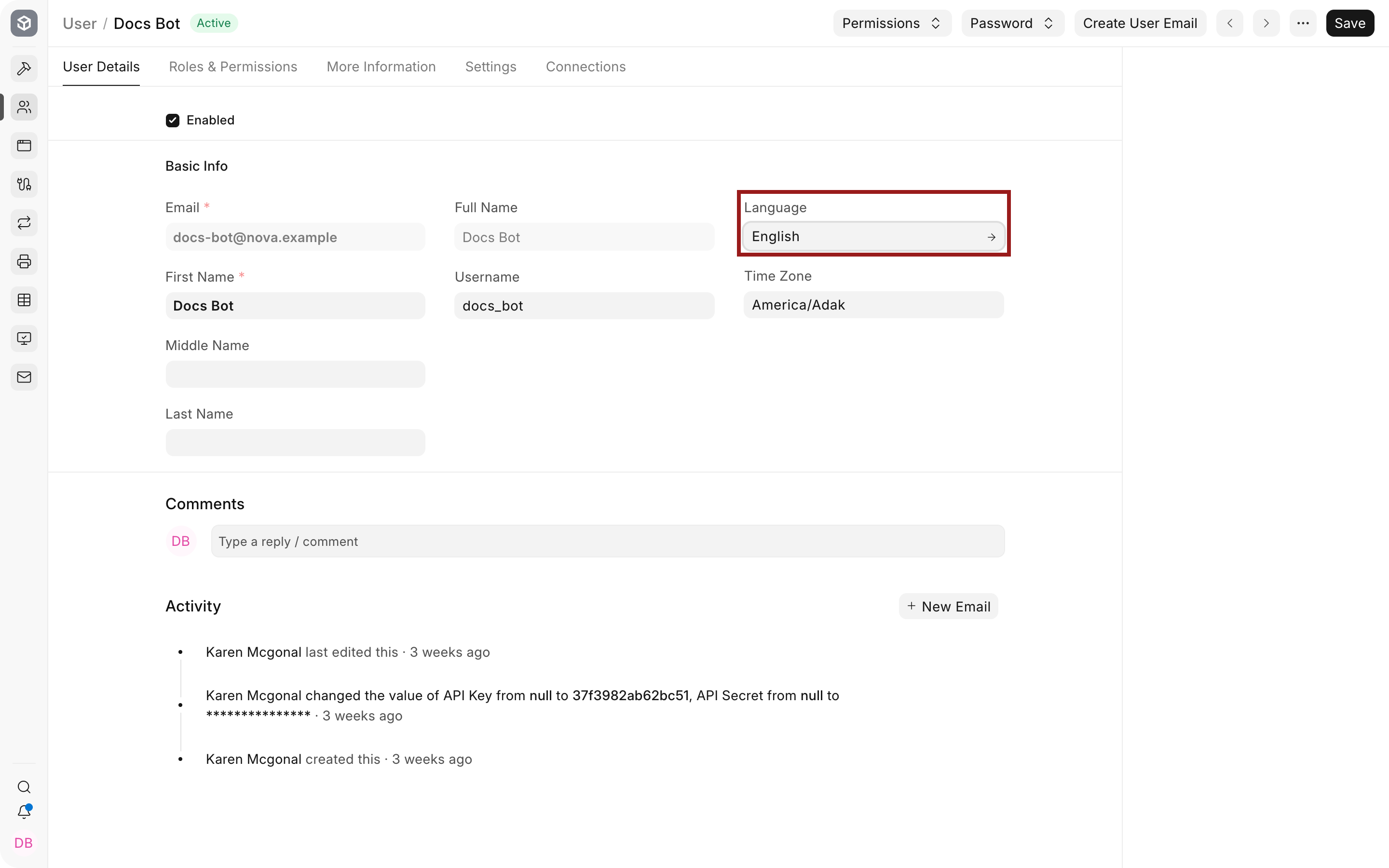
Set a language for one user
Section titled “Set a language for one user”Open the User record, select the preferred Language, save, then ask the user to sign out and sign in again. Nova assigns Spanish to Sofia without changing the default for the finance and warehouse teams.
| Choice | Scope | Example |
|---|---|---|
| System Settings Language | Default for the site | English remains Nova’s shared default. |
| User Language | One user | Sofia sees Spanish where translations exist. |
| Written master or transaction text | The saved content itself | A Customer name or Item description remains the language in which it was entered unless separately translated. |
Translation coverage can vary by app and version. Product labels may be translated while custom fields, user-entered text, print-format content, or a newly released message remains in the source language.
Troubleshooting
Section titled “Troubleshooting”The interface did not change
Section titled “The interface did not change”Save the User or System Settings record, then sign out and sign in again. Confirm the User record has the expected language and that the translation exists.
Some labels remain in English
Section titled “Some labels remain in English”The app, custom field, or new message may not have a translation. Verify the source text and contribute or maintain the translation rather than changing unrelated settings.
Printed documents use the wrong language
Section titled “Printed documents use the wrong language”Print Format text, letterheads, Item descriptions, and transaction content may need separate translated templates or records.
Frequently asked questions
Section titled “Frequently asked questions”Can every user choose a different language?
Section titled “Can every user choose a different language?”A User record can carry a personal language where the user has permission and translations are available.
Does changing language translate existing Customer or Item names?
Section titled “Does changing language translate existing Customer or Item names?”The setting translates supported interface text. It does not rewrite business data entered by users.
Which language is used when a translation is missing?
Section titled “Which language is used when a translation is missing?”Bravo Hub ERP falls back to the available source text, commonly English.
Does language change date and number formats?
Section titled “Does language change date and number formats?”Language can influence presentation, but System Settings and Currency formatting also matter. Verify both when localisation looks inconsistent.