
Employee Promotion
Promotion or career advancement is a process through which an Employee of a company is given a higher share of duties, a higher pay-scale or both.
In Bravo Hub HR, you can manage Employee Promotion and its various associated activities using this document.
To access Employee Promotion, go to:
Human Resources > Employee Lifecycle > Employee Promotion
1. Prerequisites
Section titled “1. Prerequisites”Before creating an Employee Promotion, it is advisable that you create the following documents:
2. How to create an Employee Promotion
Section titled “2. How to create an Employee Promotion”- Go to: Employee Promotion > New.
- Select the Employee.
- Enter the Promotion Date.
- In the Employee Promotion Detail table, select the Property and set the Current and New value.
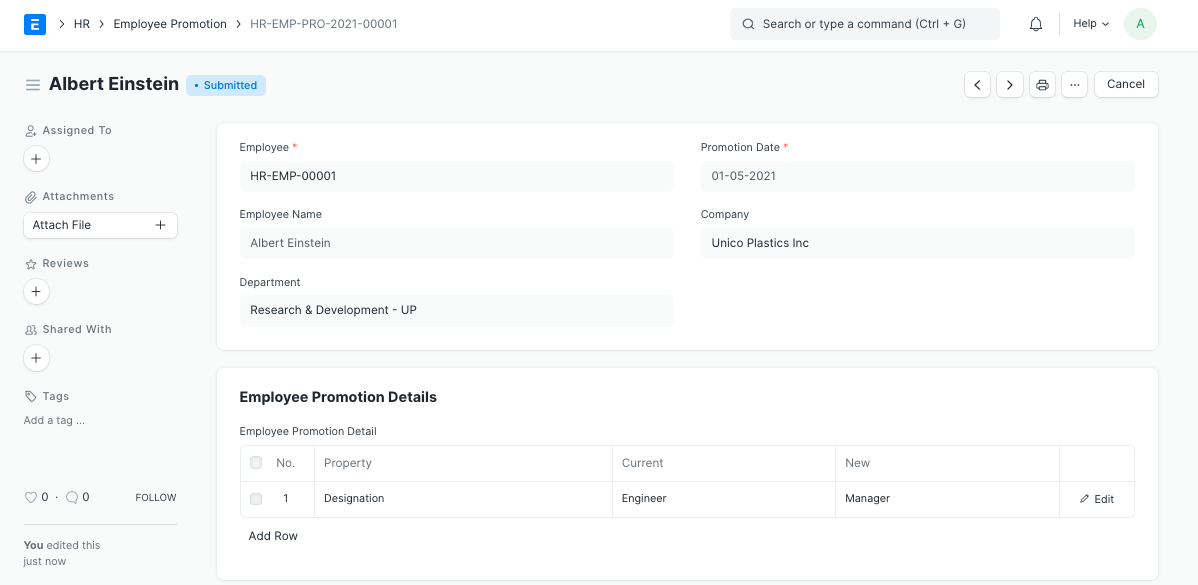
Note: Promotion document can be submitted on or after Promotion Date. Once submitted all the changes added to Promotion Details table will be applied to the Employee. Bravo Hub HR also keeps a record of all promotions of the Employee in the Employment History table in Employee document.