
Global Defaults/Bravo Hub ERP Settings
Nova Industries is a fictional electronics manufacturer and distributor. Its finance team creates dozens of quotations, invoices, payments, and stock transactions every day. Most of them belong to Nova Industries, use USD, and refer to United States addresses. Asking every user to select those same values repeatedly wastes time, while one accidental selection of the wrong company or currency can send a transaction into the wrong books.
Global Defaults supplies the values Bravo Hub ERP should suggest when a more specific rule has not already provided one. It reduces repetitive entry but does not replace judgement. Users must still verify the Company, Currency, and other values before submitting a transaction, especially in a multi-company or multi-currency organisation.
Configure the default business context
Section titled “Configure the default business context”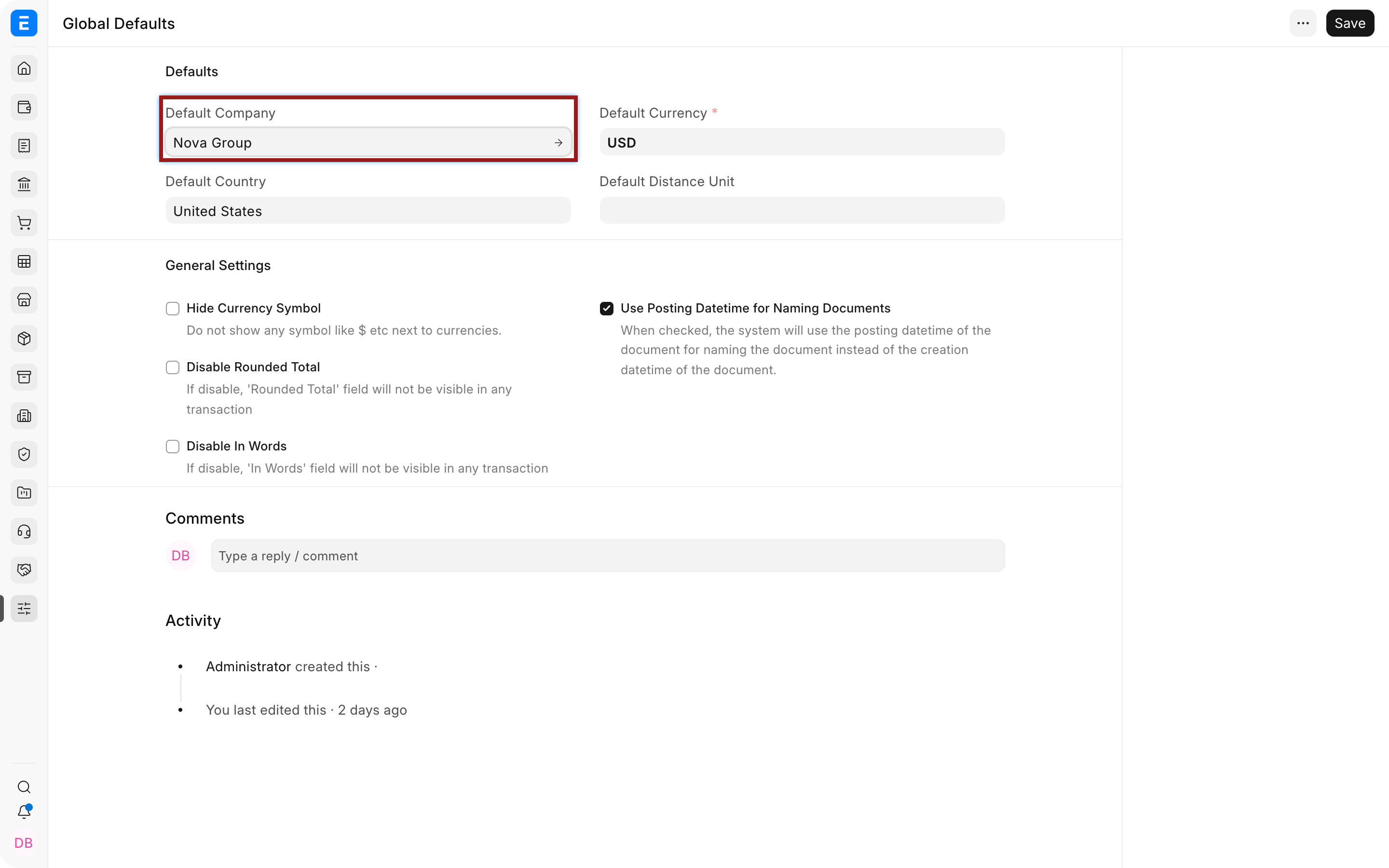
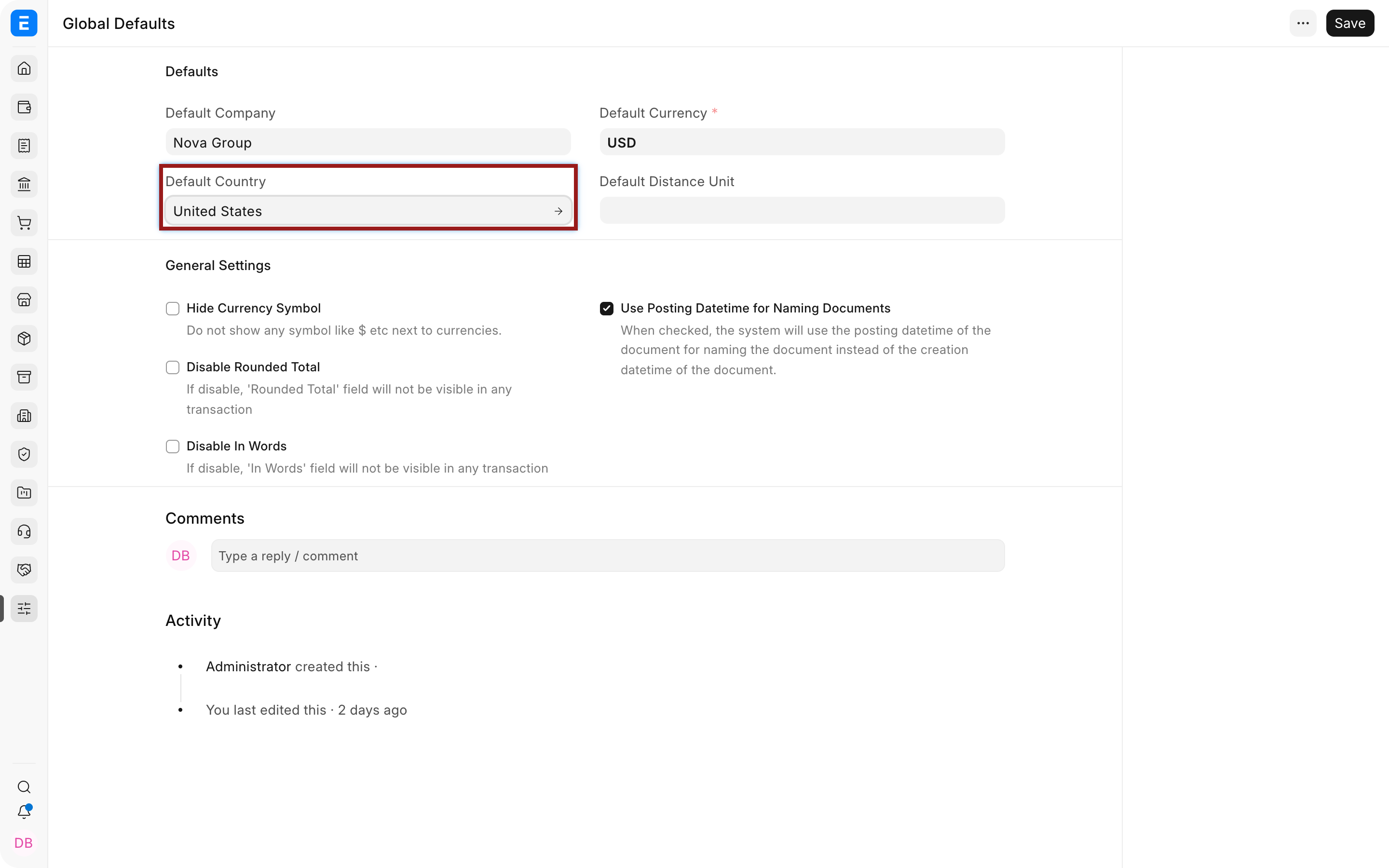
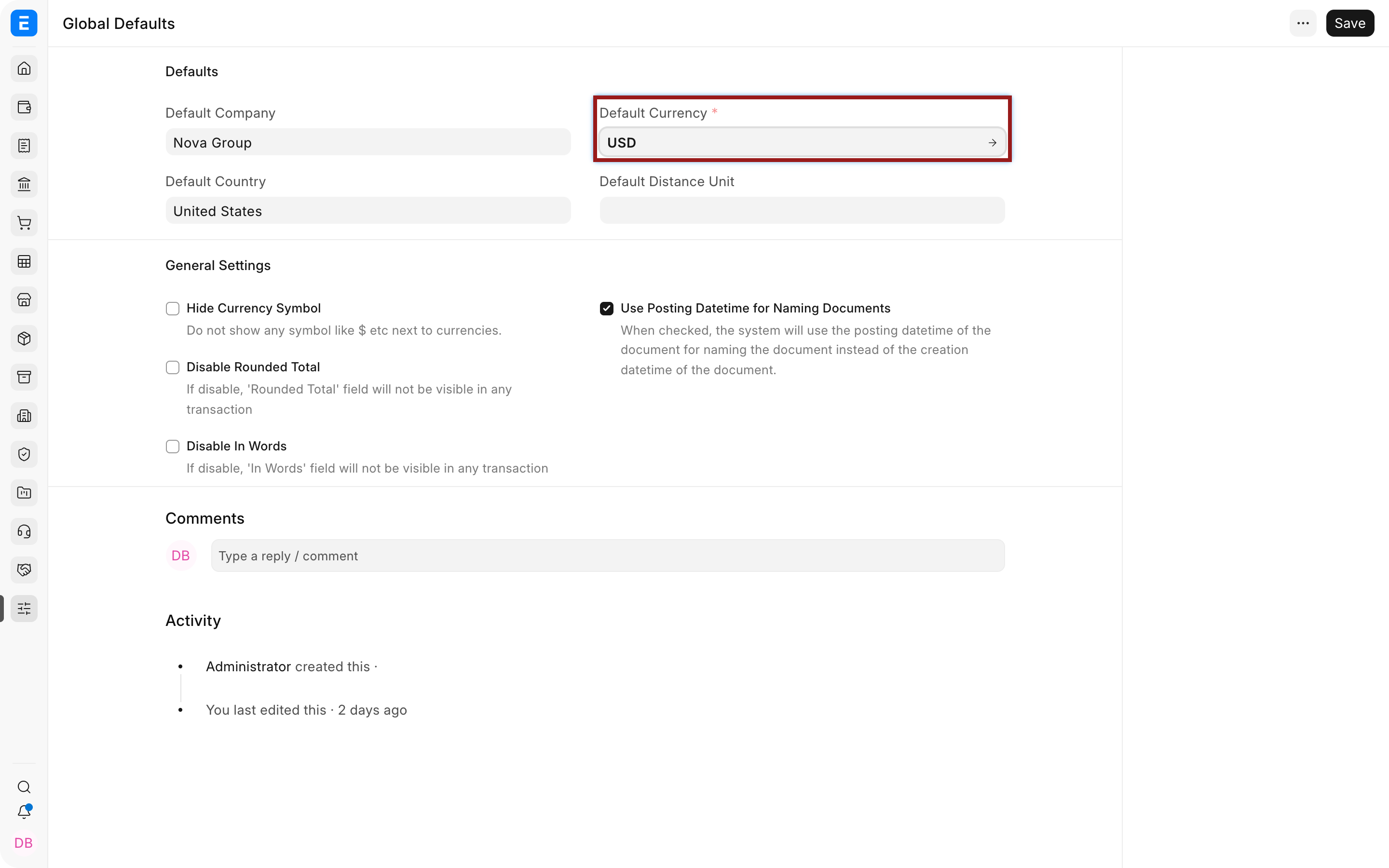
| Setting | What it controls | Nova example |
|---|---|---|
| Default Company | Company suggested on new records | Nova Industries is suggested for routine operating transactions. |
| Default Country | Country suggested on addresses and regional fields | United States is proposed for a new customer address, but users can select another country. |
| Default Currency | Currency used when no company or transaction rule is more specific | USD is the normal working currency. A EUR customer invoice can still use EUR. |
| Default Distance Unit | Unit used for distance fields | Mile suits Nova’s United States operations; kilometre may suit another site. |
| Demo Company | Company identified for demonstration behaviour where supported | Use only on a genuine demo or training site, not to label a live Company as fictional. |
General settings and real effects
Section titled “General settings and real effects”| Setting | What it changes | Nova example |
|---|---|---|
| Hide Currency Symbol | Hides symbols where the interface uses the currency code or context instead | A report may show USD values without repeating the dollar symbol in every cell. Verify printed documents before enabling. |
| Disable Rounded Total | Removes the separate rounded-total calculation | Nova keeps exact cent totals when its accounting policy does not use cash-style rounding. |
| Disable In Words | Hides the amount written in words | Useful when print formats do not require “One thousand dollars only.” |
| Use Posting Datetime for Naming Documents | Uses posting date and time when a naming rule depends on date values | A backdated invoice can receive a series based on its posting date instead of the time it was created. Test naming rules before enabling. |
Which default wins
Section titled “Which default wins”A field may receive a value from Company configuration, a user default, a Session Default, a mapped source document, or transaction logic. The most specific valid source normally matters more than the global suggestion. For example, a Session Default of Nova Electronics Trading can be used for one accountant’s current session even when the global Company is Nova Industries.
Treat Global Defaults as convenience, not access control. User Permissions and roles decide what a user may open. A default value does not grant permission to that Company.
Troubleshooting
Section titled “Troubleshooting”A new document shows a different Company
Section titled “A new document shows a different Company”Check the user’s defaults, Session Defaults, the source document used to create the record, and company-specific logic. Clear the session value and reload before testing again.
The currency symbol still appears
Section titled “The currency symbol still appears”The print format, report, browser cache, or linked Currency may control the display. Verify the final printed document rather than relying only on the form.
A backdated document has an unexpected name
Section titled “A backdated document has an unexpected name”Review the naming series and Use Posting Datetime for Naming Documents. Do not rename submitted accounting documents without following the supported correction process.
Frequently asked questions
Section titled “Frequently asked questions”Do Global Defaults change existing records?
Section titled “Do Global Defaults change existing records?”They normally supply values to newly created records. Existing records retain their saved values unless a separate supported process changes them.
Can every user have a different default Company?
Section titled “Can every user have a different default Company?”Users can have personal or session defaults, subject to permission. Global Defaults remains the common fallback.
Does Default Currency convert transactions automatically?
Section titled “Does Default Currency convert transactions automatically?”It supplies a default context. Multi-currency transactions still require the correct party currency, account currency, and exchange rate.
Should a multi-company site leave Default Company blank?
Section titled “Should a multi-company site leave Default Company blank?”A common default can still be useful, but users must understand precedence and permissions. Leave it blank when no company is a safe general choice.