
Bank Accounts and Modes of Payment
Bravo Hub ERP needs two related pieces of information to record money correctly: where the money moved and how it moved. A Bank Account represents the real account held with a bank, while a Mode of Payment describes the channel, such as bank transfer, card, cash, or cheque.
Nova Industries may receive a card payment into one clearing account, a wire transfer into its operating bank, and cash at a showroom counter. Mapping each payment method to the right ledger account reduces manual selection and makes bank reconciliation easier later.
This page explains the relationship between Bank, Bank Account, ledger account, and Mode of Payment, then shows how to configure defaults that lead users to the correct account without hiding the accounting trail.
Understand the records
Section titled “Understand the records”| Record | Purpose |
|---|---|
| Bank | Identifies the financial institution |
| Bank Account | Stores an account held by a company, Customer, or Supplier |
| Account | The Bank-type ledger in the Chart of Accounts |
| Mode of Payment | Describes how money is paid or received, such as Cash, Check, Card, or Wire Transfer |
Create a Bank
Section titled “Create a Bank”Go to Home > Accounting > Bank Statement > Bank and add the institution.
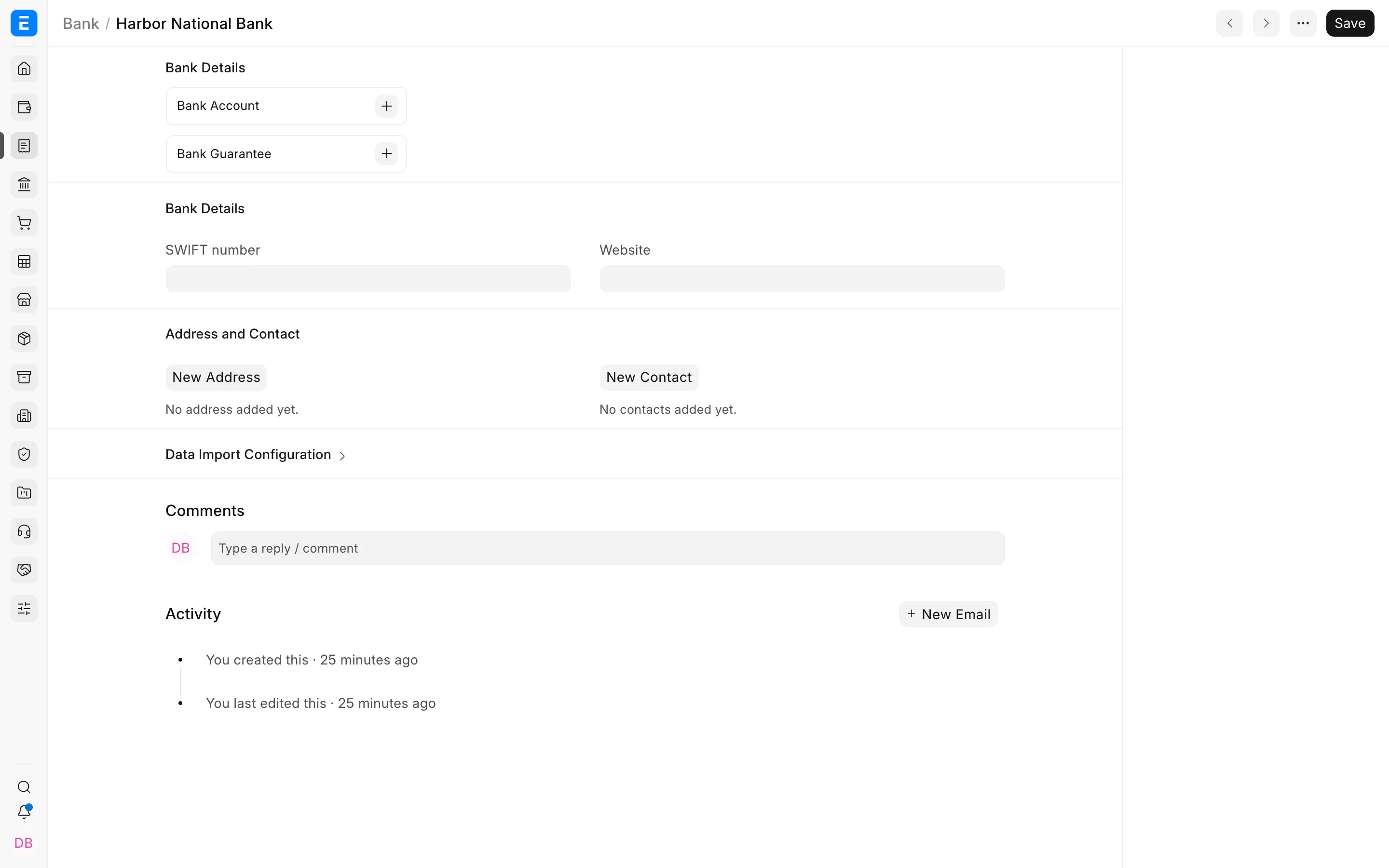
Add integration details only when you use a supported bank integration.
Create the company bank account
Section titled “Create the company bank account”- Create a ledger account under Bank Accounts in the company’s Chart of Accounts. Set Account Type to Bank.
- Open Bank Account and click Add Bank Account.
- Select the Bank and enter the account name or number.
- Select Company as the party type when it is the company’s own account.
- Link the corresponding ledger account.
- Mark it as the company default only when appropriate.
Store only the information required for operations and reconciliation. Restrict access to sensitive bank details.
Configure Modes of Payment
Section titled “Configure Modes of Payment”Open Mode of Payment, select the type, and add a default account for each company.
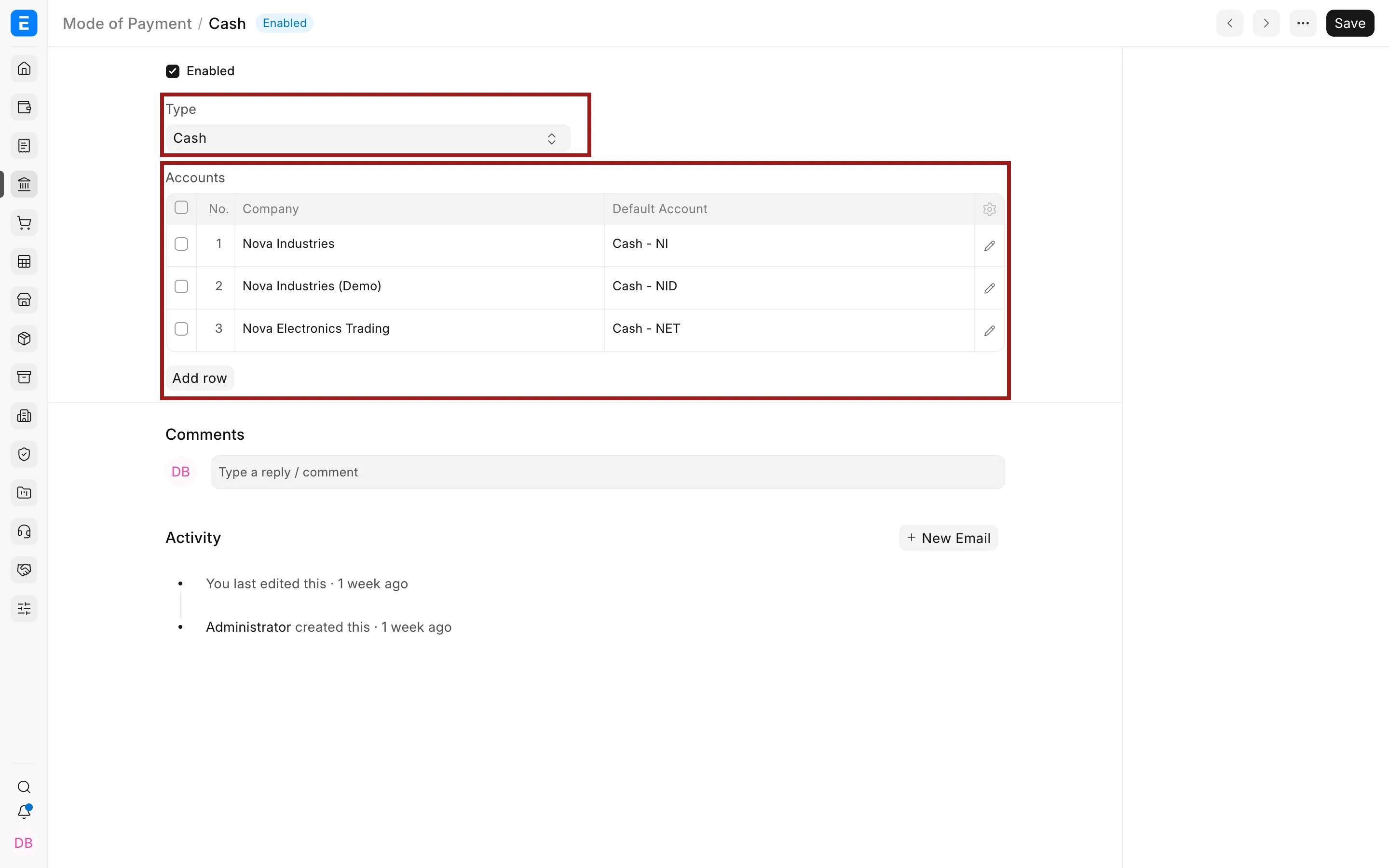
For example, Cash should normally use a Cash-type ledger. A wire transfer or card settlement should use the relevant Bank or clearing account.
How Bravo Hub ERP selects the payment account
Section titled “How Bravo Hub ERP selects the payment account”Bravo Hub ERP first uses a transaction-specific value when supplied. It can otherwise fetch a company default or the account mapped to the selected Mode of Payment. Always verify the paid-from and paid-to accounts before submitting a Payment Entry.
Bank statements and reconciliation
Section titled “Bank statements and reconciliation”Use Bank Transaction records to import or synchronize statement lines. Then use Bank Reconciliation to match them with Payment Entries and Journal Entries.
Troubleshooting
Section titled “Troubleshooting”A bank ledger is not selectable
Confirm it belongs to the same company, is not a group, is enabled, and has Account Type Bank.
A Mode of Payment selects the wrong account
Review its company-wise default accounts and the transaction’s company.