
Country
Country records provide shared localization defaults such as ISO code, date format, time format, and time zones. Bravo Hub ERP includes a prepared country list, so administrators normally review the required record instead of creating a new one.
For Nova Industries in the United States, the Country record keeps US formatting available wherever Bravo Hub ERP uses country-level defaults. Company, address, contact, and regional configuration can then refer to the same country consistently.
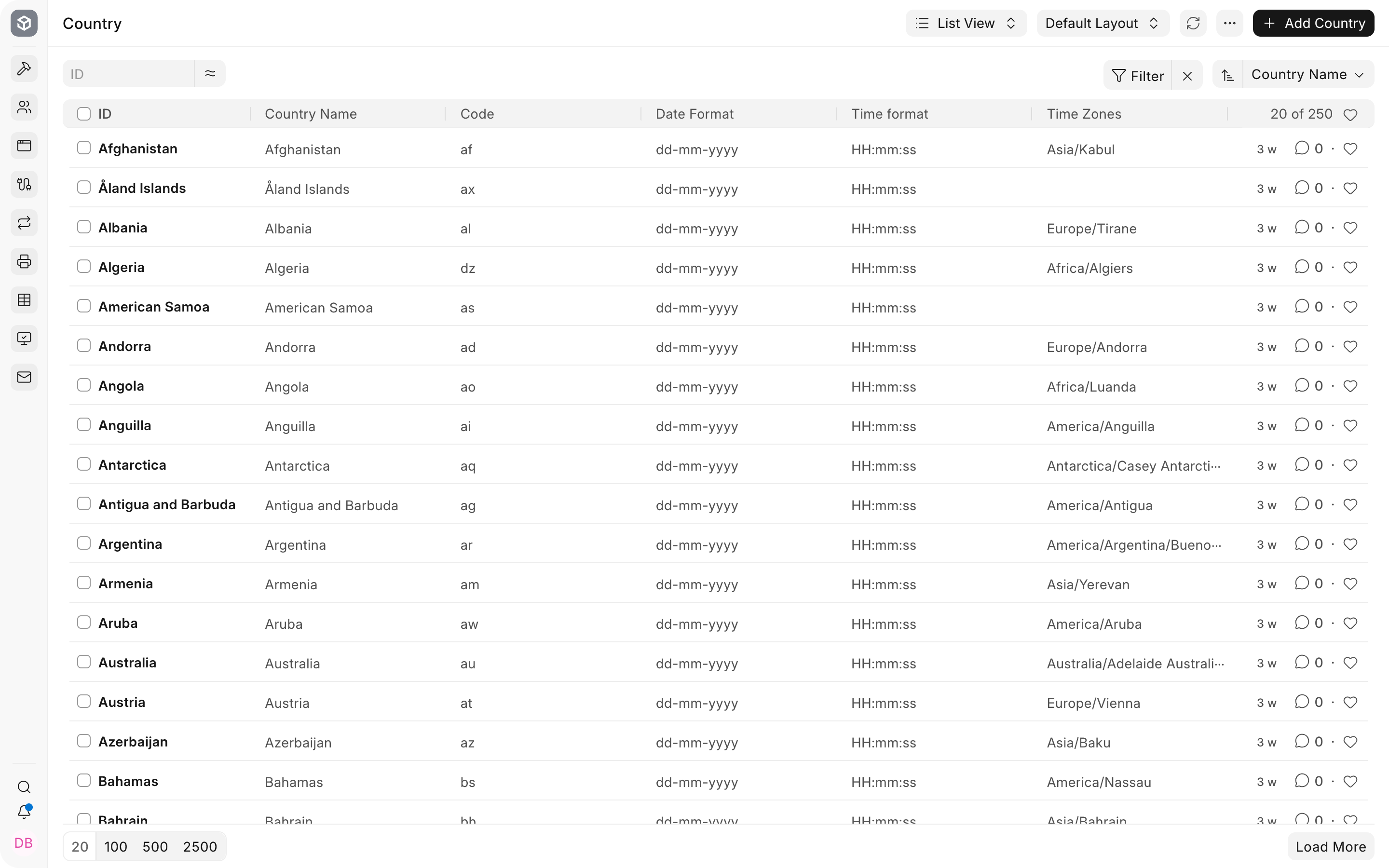
Open a Country
Section titled “Open a Country”Search for Country from the Awesomebar and open the list. Select the required record.
Review localization fields
Section titled “Review localization fields”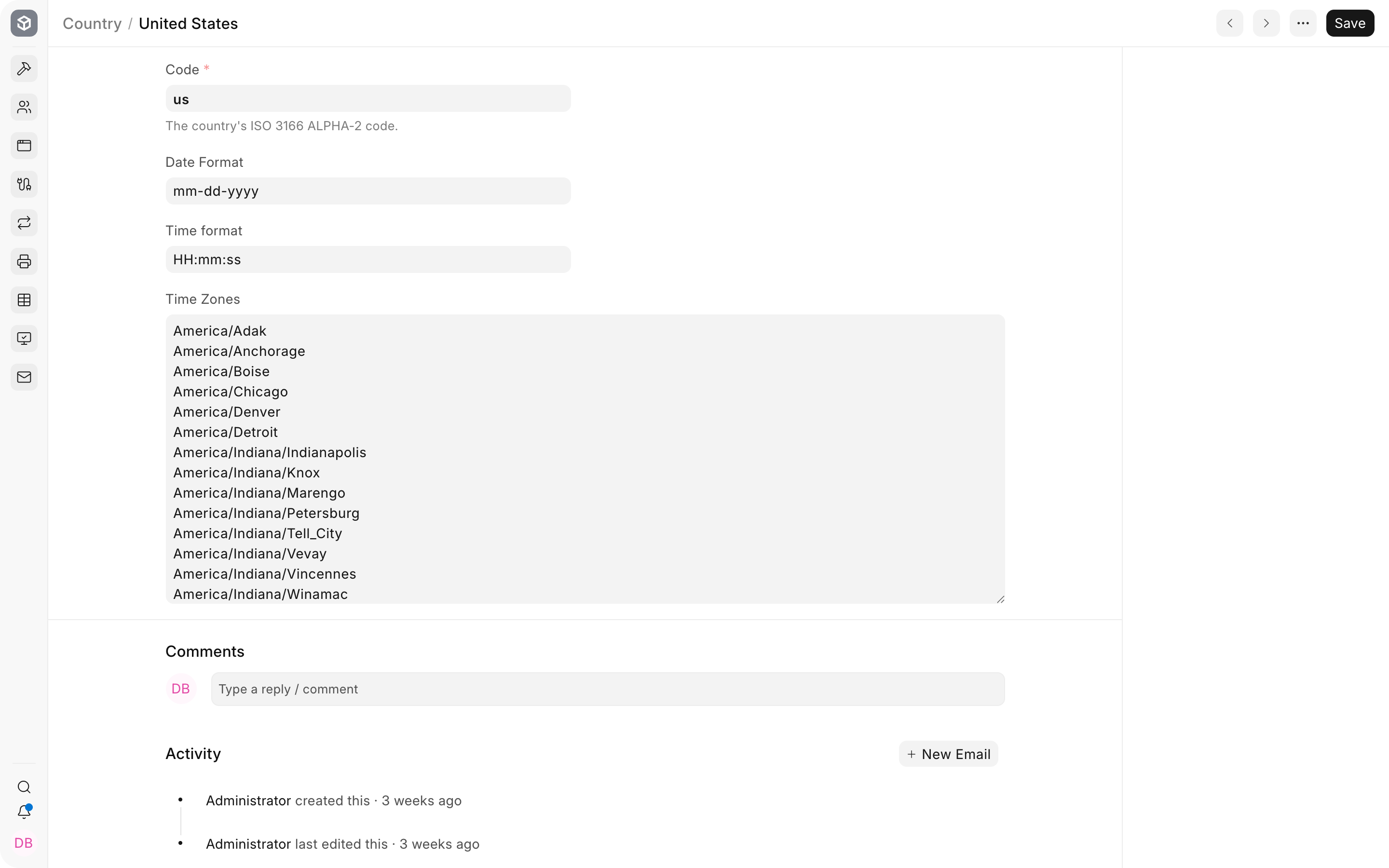
| Field | What it controls |
|---|---|
| Code | ISO 3166 alpha-2 country code used by integrations and structured data. |
| Date Format | Default date presentation associated with the country. |
| Time format | Default presentation of time values. |
| Time Zones | Recognized time zones for the country. |
Country versus system defaults
Section titled “Country versus system defaults”The Country record stores country-level reference data. System Settings controls the site language, time zone, date format, and number format used by default. Global Defaults and user preferences can further determine what a user sees. Review all three when formatting is unexpected.
Troubleshooting
Section titled “Troubleshooting”The displayed date format is different
Section titled “The displayed date format is different”Check System Settings and the user’s language or locale. Country reference data does not override every site or user-level display preference.
A regional feature is unavailable
Section titled “A regional feature is unavailable”Country alone may not enable a localization. Confirm the Company country, installed regional app, Domain Settings, and any required tax or compliance setup.
Frequently asked questions
Section titled “Frequently asked questions”Should I add a Country that already exists?
Section titled “Should I add a Country that already exists?”Reuse the prepared record and correct it only when verified country reference data is incomplete or outdated.
Does changing Country convert existing transaction data?
Section titled “Does changing Country convert existing transaction data?”It changes reference or default behavior. It does not rewrite historical addresses, currencies, taxes, or ledger entries.